Or go to our Shopify Theme Detector directly
How to Recover from a Sales Slump on Shopify
Last modified: December 22, 2023


When it comes to selling online, nothing is certain. You can’t always predict how many sales you’re going to make on any day. You’re going to find that some months you’re going to struggle for sales, and this slump can be disheartening. So, how can you recover from a sales slump on your Shopify store? Here are some suggestions.
| # | Name | Image | |
|---|---|---|---|
| 1 |
|
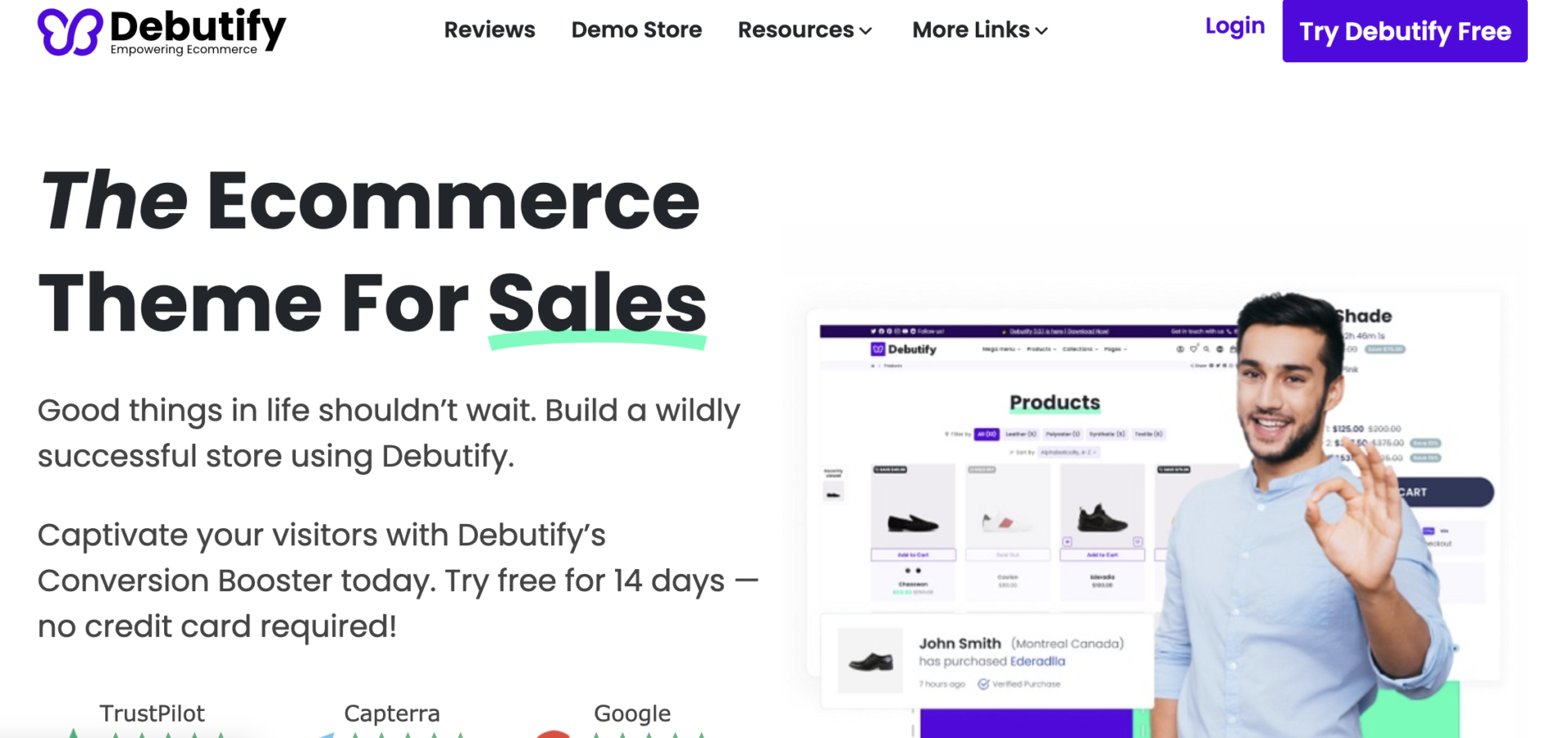
Debutify
|
|
| 2 |

|
Symmetry
|
|
| 3 |

|
Palo Alto
|
|
| 4 |

|
Korando
|
|
| 5 |
|
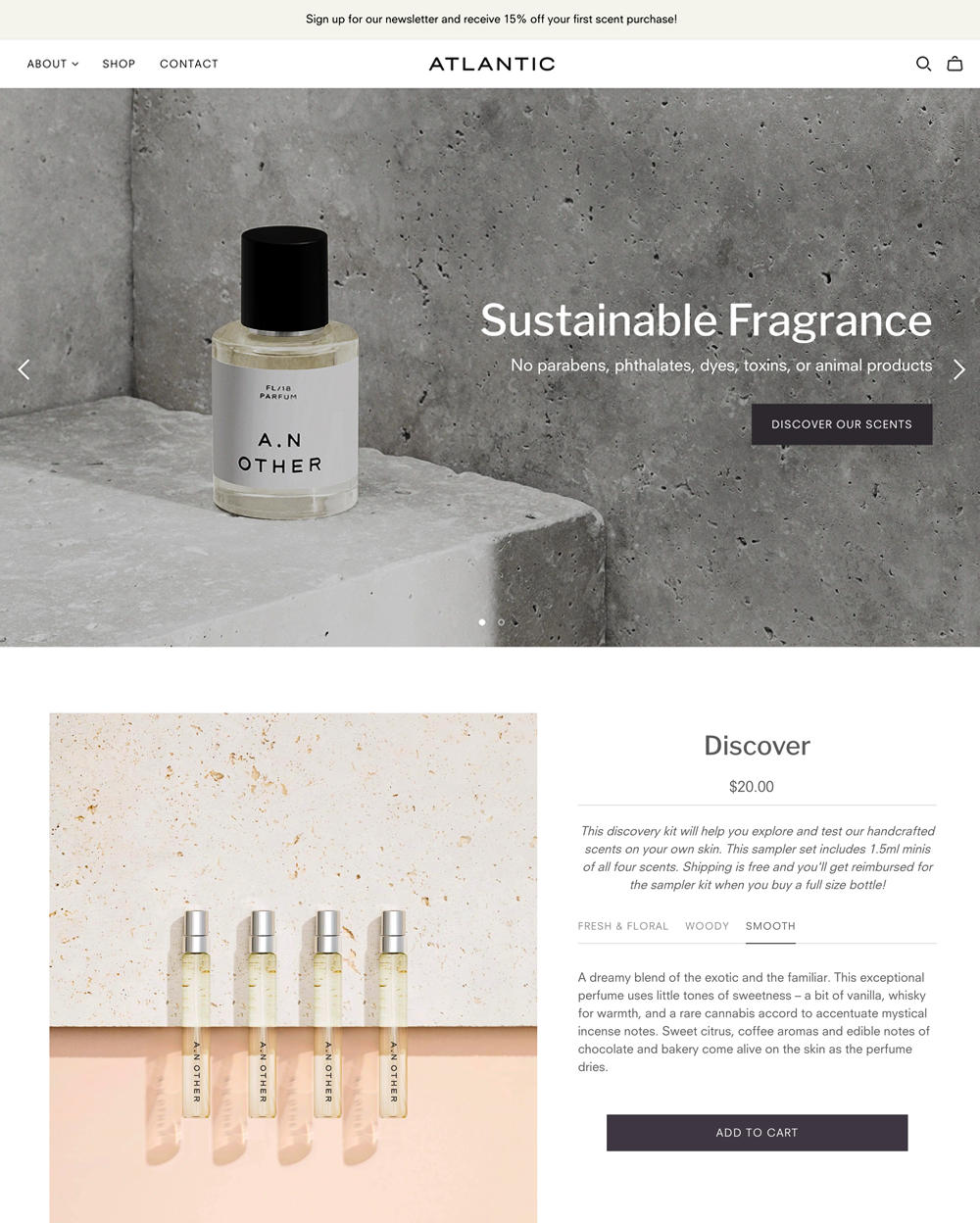
Atlantic
|
|
| 6 |

|
Mavon
|
|
| 7 |
|
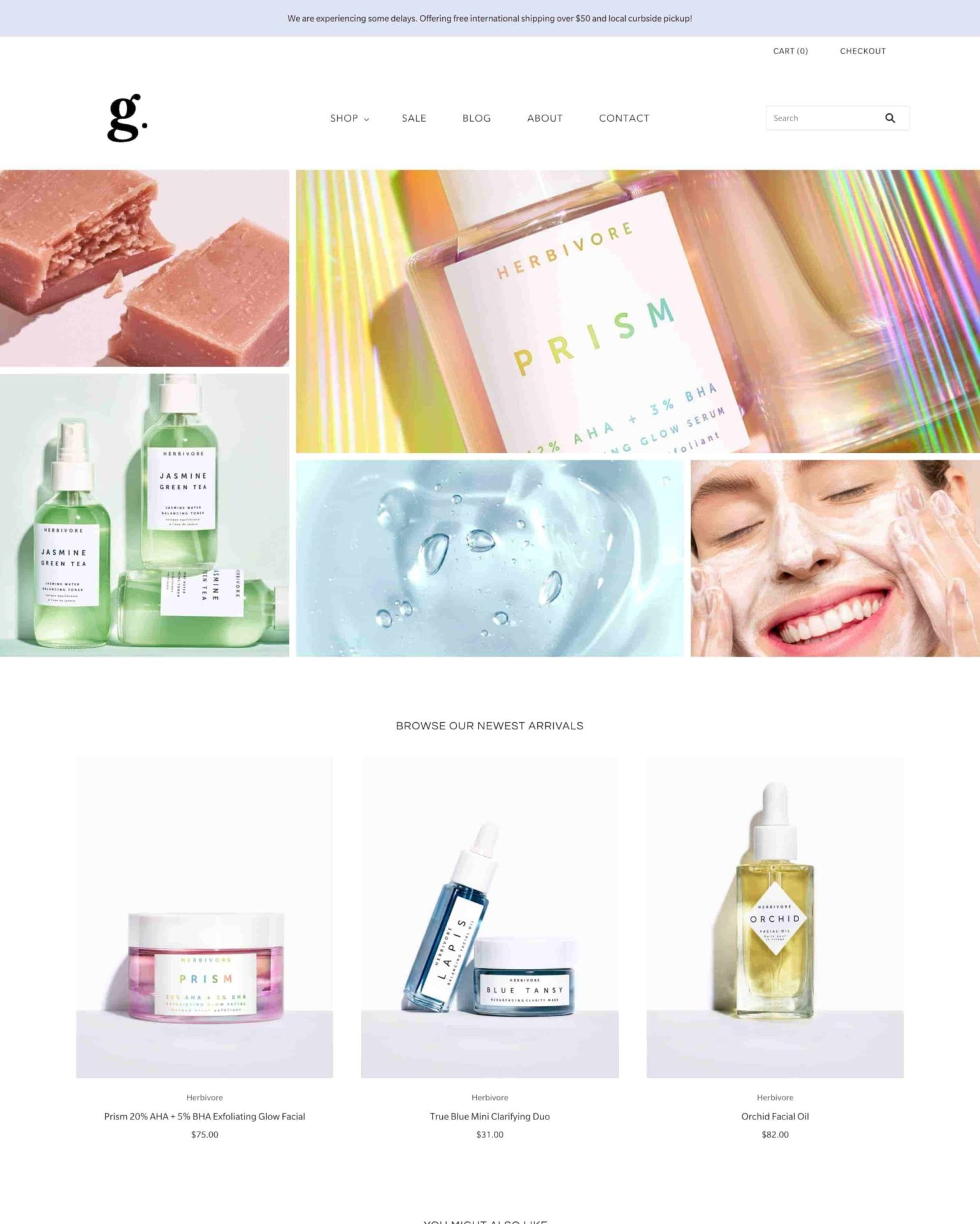
Grid Theme
|
|
| 8 |

|
Everything
|
|
| 9 |

|
Luce
|
|
| 10 |
|
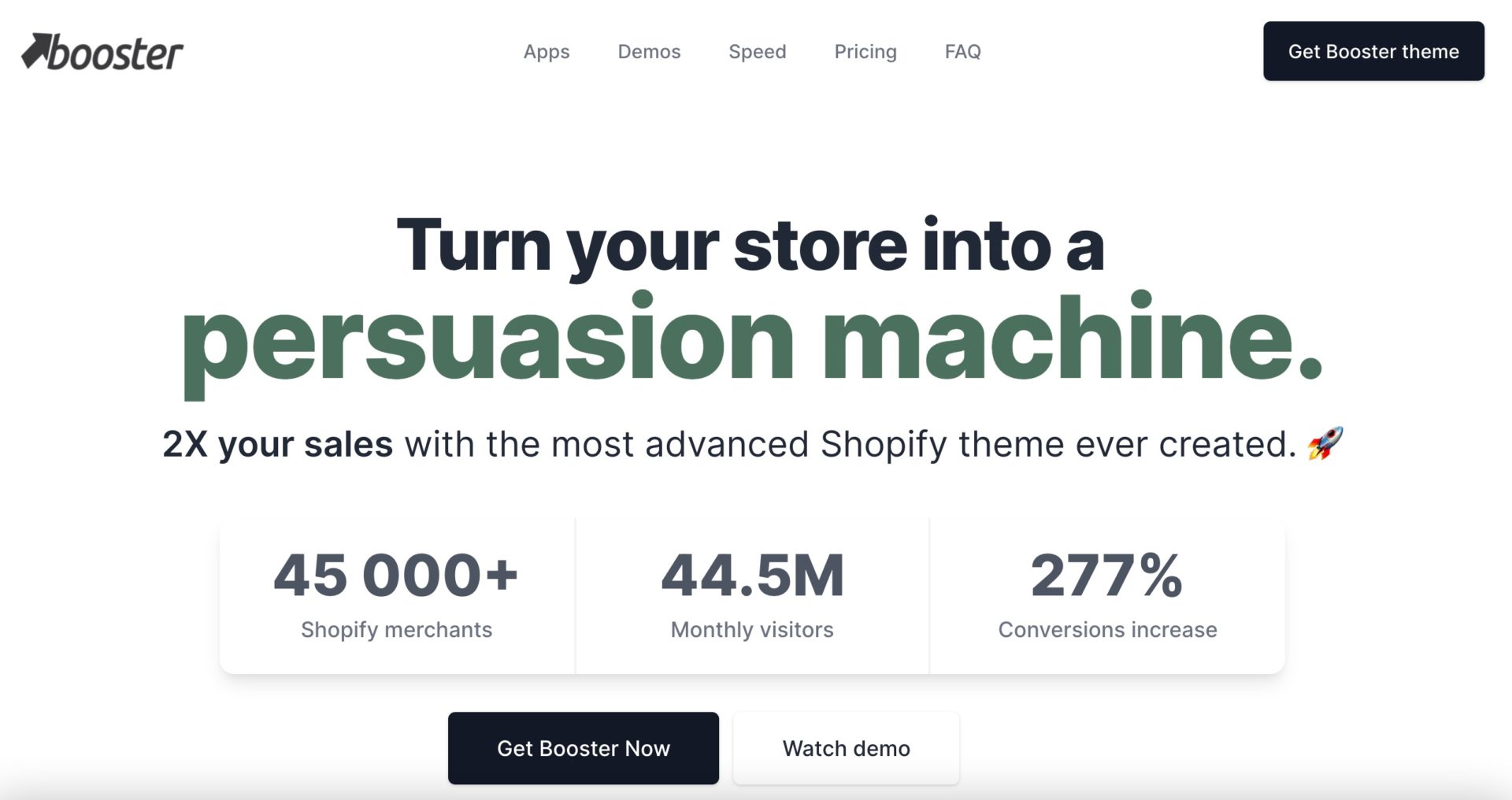
BoosterTheme.com
|
|
| 11 |
|
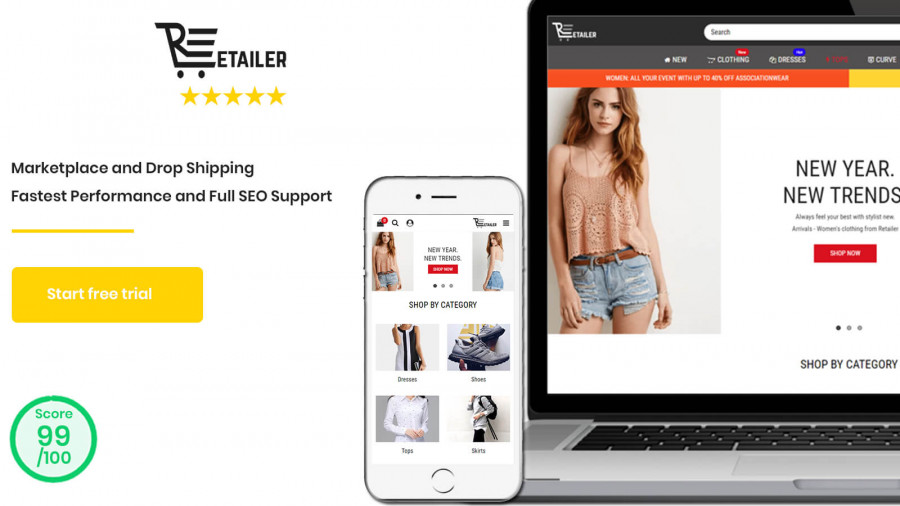
Retailer Multipurpose Fastest Converting Shopify Themes
|
|
| 12 |

|
Polaris
|
|
| 13 |
|
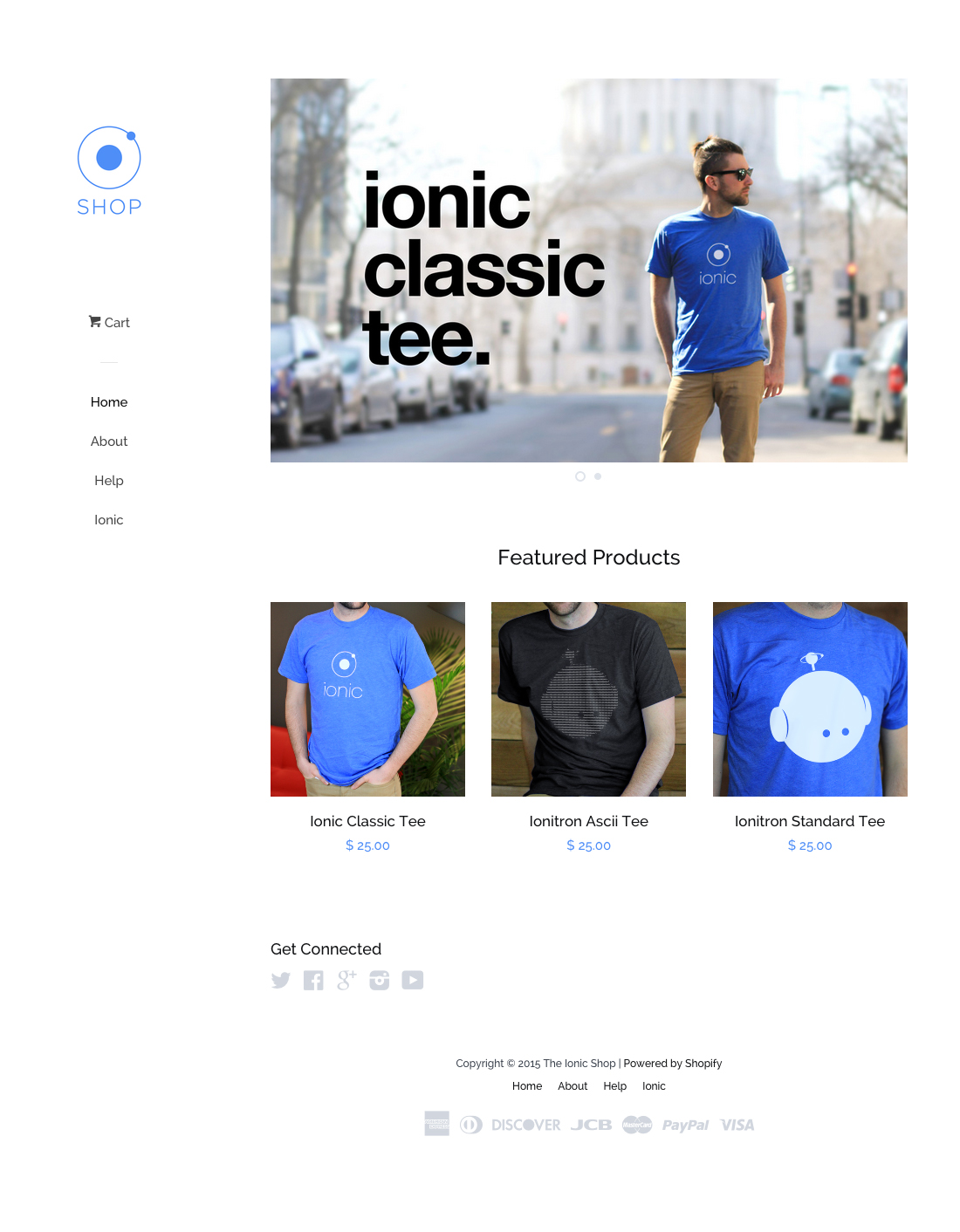
Pop
|
|
| 14 |

|
Plain
|
|
| 15 |
|
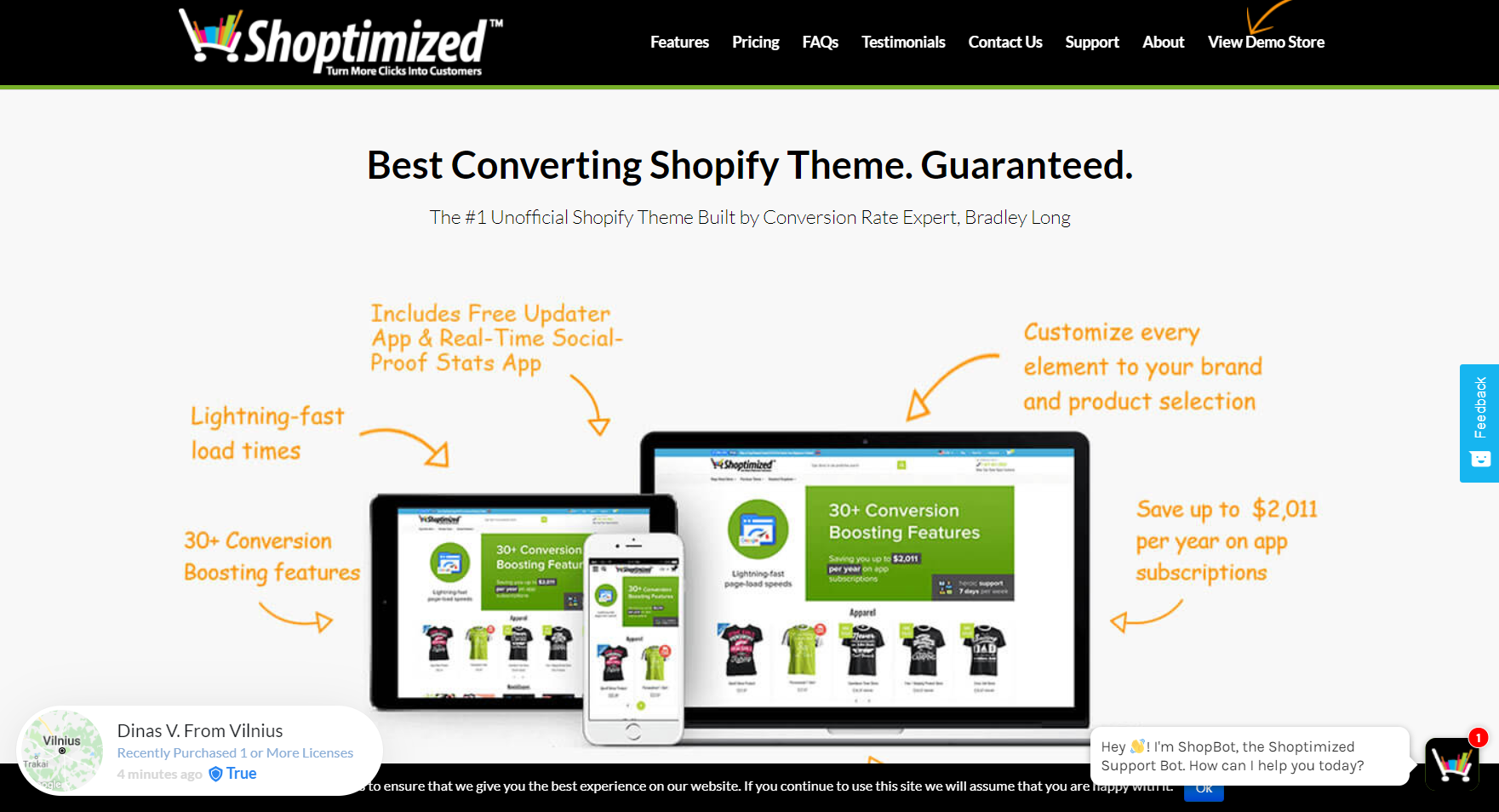
Shoptimized™ - Highest Converting Shopify Theme
|
|
| 16 |

|
Jumpstart
|
|
|
Show More
|
|||
Why is there a Sales Slump?
There are numerous reasons why there might be a sales slump on your website. It could be because there is only seasonal demand for your products. This can mean that you need to find new products for your website when your main offerings are not being purchased. If you’re dropshipping, this is much easier than if you have products that need to be stocked.
Another reason could be that you have been penalized by Google. There are many reasons why the search engine might personalize your website. It could be that you’ve had too many bad links directed to your website. You might also need to disavow some links and change some aspects of your SEO to improve your website’s performance and remove the penalty.
Alternatively, Google might have incorporated a new update that has reduced your rank on search results. Even a small change to the algorithm on Google can yield large differences in your traffic. Research has shown that the top three search results get more than 75% of the traffic from the search traffic. Those in the bottom five results can often get less than 2.5% of the traffic. Therefore, a quick dip can result in a lot fewer sales for you.
One of the other reasons for a loss in sales could be about reviews. You should check reviews on your website, TrustPilot, Facebook and Google regularly. If there are new reviews that have painted you in a negative light, you need to resolve this.
How to Recover from a Sales Slump
Recovering from a sales slump can be a short or long process. It depends on the reason for the reduction in sales. If it is something to do with your ranking on search engines, then you might need to use a new SEO app, you can use this one here which is highly recommended.
If you’ve got problems with your site’s reviews, then you might want to reach out to those who’ve published negative reviews and see if you can improve them. Sometimes a simple bit of customer service can resolve concerns and get you a better rating. You might also want to get better at delivering exceptional customer service. There are numerous customer service apps that can help you.
Finally, you might want to predict when you will have sales slumps. Some businesses have them once a month, others a few times a year. Try to work out when your sales slumps will be and aim to have higher income during peak periods to cover those periods.
Conclusion: How to Recover from a Sales Slump on Shopify
If you’ve suffered from a sales slump on your Shopify store, there are ways you can recover. The exact way depends on what has happened. You might need to sell different products at different times, or you might need to repair your reputation/SEO.
-
Can changing my product offerings help recover from a sales slump on Shopify?
Yes, diversifying or updating your product offerings can attract new customers and re-engage existing ones. Analyze market trends and customer preferences to guide your product selection.
-
How can I identify the cause of my Shopify sales slump?
Identifying the cause of a sales slump involves analyzing traffic sources, sales patterns, and customer feedback. Look for changes in Google rankings or customer reviews that might indicate the root of the problem.
-
Is it necessary to revise my marketing strategy during a Shopify sales slump?
Revising your marketing strategy can be effective. Focus on targeted campaigns and customer engagement to drive traffic and sales during a slump.


 PageFly Landing Page Builder
  Shopify
  SEMrush
  Website Maintenance
  UpPromote