How to Find out What Shopify Theme a Store is Using
Last modified: December 23, 2025
| # | Name | Image | |
|---|---|---|---|
| 1 |
|
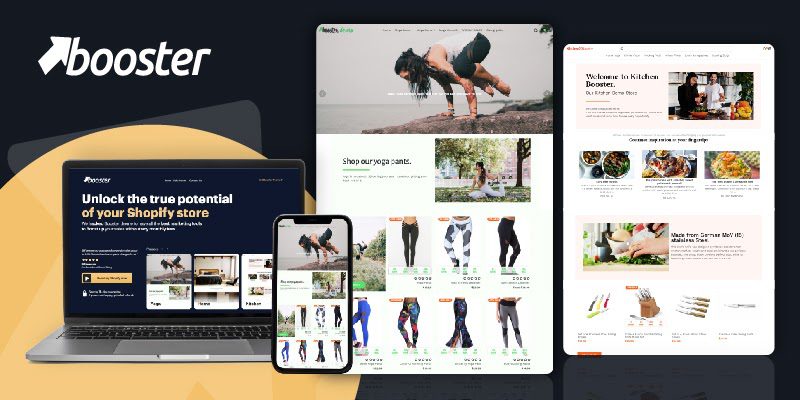
Booster
|
|
| 2 |

|
Sahara
|
|
| 3 |

|
Be Yours
|
|
| 4 |

|
Concept
|
|
| 5 |

|
Flow
|
|
| 6 |

|
Mavon
|
|
| 7 |

|
Pipeline
|
|
| 8 |

|
Broadcast
|
|
| 9 |

|
Yuva
|
|
| 10 |

|
Symmetry
|
|
| 11 |

|
Beyond
|
|
| 12 |
|
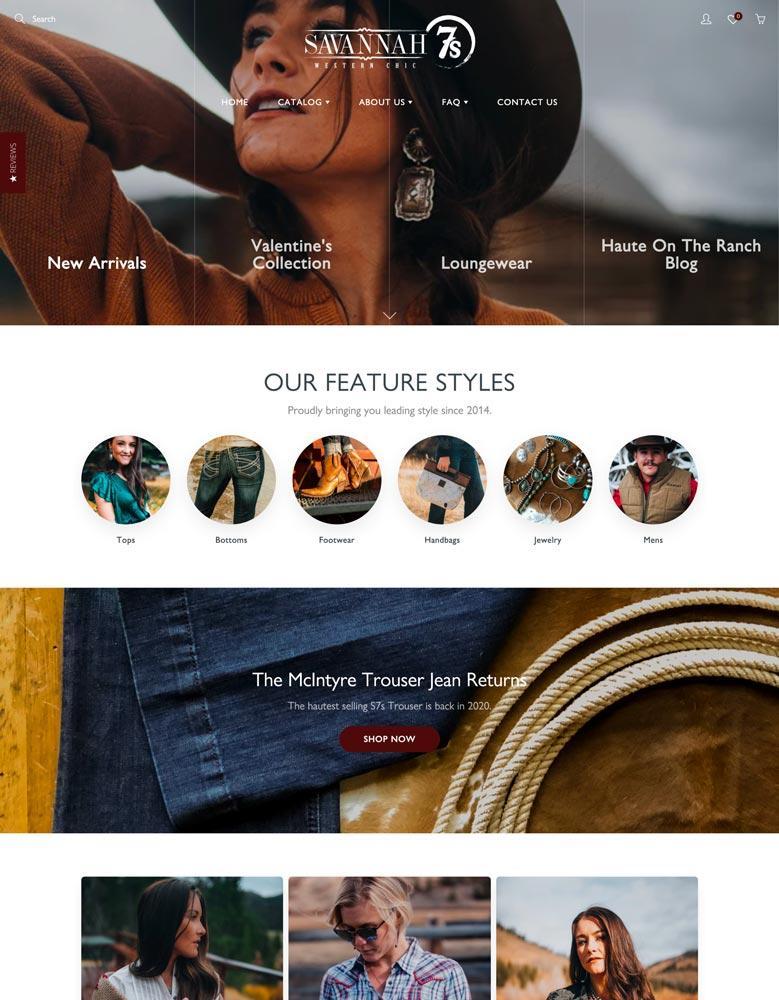
Galleria
|
|
| 13 |
|
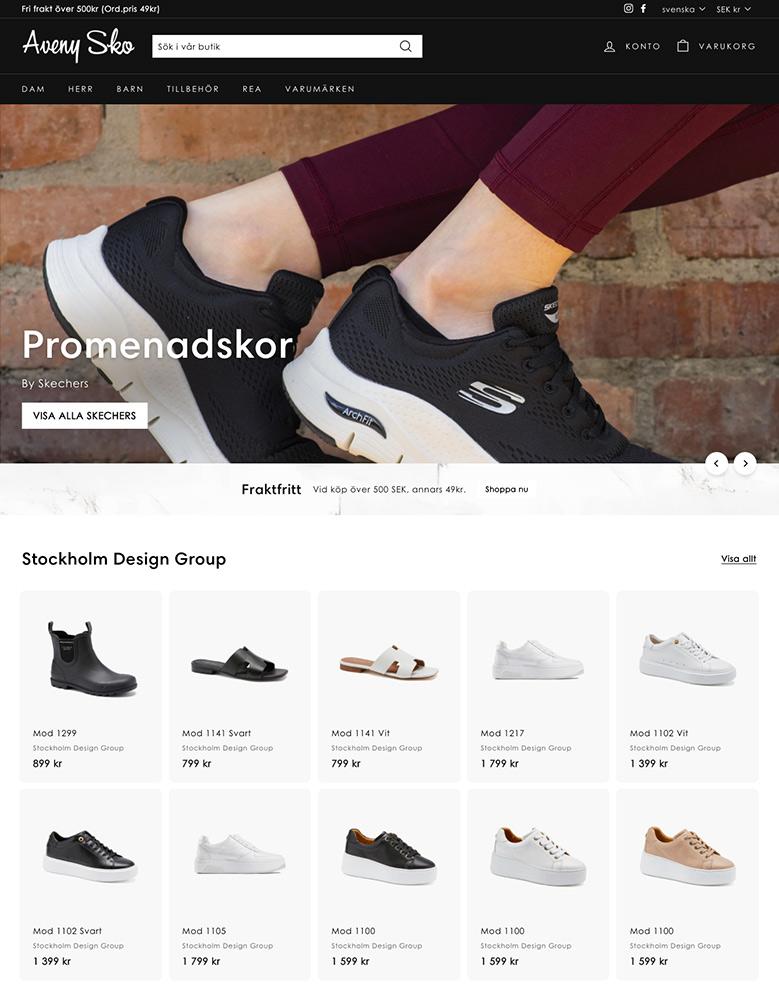
Expanse
|
|
| 14 |

|
Palo Alto
|
|
| 15 |

|
Motion
|
|
|
Show More
|
|||
-
Will using the same theme as another store create legal issues?
No, using the same standard Shopify theme is not a legal issue, as these themes are designed for use by multiple users and do not pose any legal restrictions in that regard.
-
Can I customize a Shopify theme to look different from the original?
Yes, Shopify themes are highly customizable, allowing you to make significant alterations to align them with your brand’s unique style and preferences.
-
Do Shopify theme detectors work on all browsers?
Most work on popular browsers like Chrome and Firefox. Some may have limited functionality on others, such as Safari or Edge, due to variations in browser compatibility and support.
Advanced Techniques for Identifying Shopify Themes
Understanding Theme Modifications
Sometimes, a Shopify store may modify its theme’s name, making direct identification challenging.
In such cases, look for unique identifiers in the source code, like specific CSS classes or unique JavaScript functions, which can hint at the original theme or the extent of customization.
Leveraging Browser Developer Tools
For those with technical know-how, browser developer tools offer a deeper dive into a Shopify site’s structure.
Inspecting elements and network activity can reveal theme details, especially in cases where the theme name is obfuscated or heavily customized.
Comparing Theme Features and Layouts
Even without direct identification tools, you can often deduce a theme by comparing visual features and layouts with known Shopify themes.
This method requires familiarity with Shopify’s theme library, but can be effective for identifying commonly used themes.
Considerations in Using Shopify Theme For Your Store
Analyzing Competitor Themes
Understanding competitors’ theme choices can guide your own theme selection.
By analyzing themes used in your niche, you can gauge budget allocations, design trends, and feature preferences, aiding in a more informed decision-making process for your store’s design.
Customization and Functionality
When selecting a theme, consider its customization capabilities and inherent features. Themes vary in their adaptability and the functionalities they offer.
Assessing these aspects ensures that the chosen theme aligns with your store’s specific needs and branding goals.
Impact on Store Performance
A theme’s influence extends beyond aesthetics, impacting user experience and store performance.
Prioritize themes that offer intuitive navigation, fast loading times, and an optimized checkout process. This enhances customer experience and potentially boosts conversion rates.
Conclusion: How to Find out What Shopify Theme a Store is Using
When it comes to building your Shopify website, you can use things like web development tools, the Shop Theme Detector and more to find what theme another store is using. This allows you to use the same theme, within reason, to create your store. This isn’t cheating or copying, but it allows you to choose the theme that closely matches your needs. All themes within Shopify can be highly customized for your brand.