How to set up a Shopify store in 2026?
Last modified: December 23, 2025

Getting your own business up and running can be a huge and daunting task. Whether it’s a brick-and-mortar shop or a digital one, running one’s own company can be a challenge and the beginning can be the most difficult part. While starting a business may seem scary, it doesn’t have to be. Shopify makes it simpler and easier for people who want to set up an eCommerce business to get their online shop started (even if you aren’t super tech savvy).
Shopify’s ease of use allows you to sell on Shopify with minimal effort. It was designed for people who want to create their own online shop, even if they don’t have much eCommerce experience. The process is so simple you’ll wonder why you hadn’t done it sooner.
What will I need to get started?
First things first, you’ll need to go to the Shopify website to begin. Believe it or not, you don’t need much to get your very own Shopify store started. To setup your Shopify account you just need a few things: an email address, password and store name.
Once you’ve inserted this information you’ll need to add your business’s details including things like the address, name, phone number etc.
You’ll then be asked to also enter the stage of your business and once that’s done you can move on to adding all of your products.

How Do I Set Up My Store?
Now that your account is created you’ll need to actually set up your Shopify store. The first step to getting this done is to add all of your products to your Shopify eCommerce. Putting each of your products in is pretty simple, all you have to do is click on “Products” and then click “Add Product” for every product you want to include. For each item you’ll be able to put in the product info like a description, product title, price and images. You can also launch new products easily by following the same steps. Once you’re done, just save the product and continue.
Once your products are in you now need to choose a theme for your shop, you can also check out themes that your competition is using to get some ideas. Shopify allows you to start a niche store such as fishing, gaming, gardening, beauty and medical supply, liquor, pizza store, or even adult stores by choosing the appropriate theme.
In order to find and apply a theme just go to the Shopify Theme Store where you can choose from hundreds of paid or free themes. When you find a theme you like click on the Publish Theme button (don’t worry, you can see a preview of the theme on your store before publishing). After you’ve successfully published the theme, click the Customize Theme button so you can customize all the pages of your store like the home page, cart page, products pages, etc.

Now that your Shopify store is all set up and ready for business, add a domain name. All you have to do is click on Domain, choose “add existing domain” or “buy a new domain”, and then finish the process to link a domain to your Shopify store.
How Do I Create a Method of Payment?
Now that your store is ready for business, you’re going to need a way for people to purchase your goods. Luckily, Shopify has a couple of different options to use as a payment gateway. You can also change the store’s default currency to match your target market.
Shopify has PayPal integrated as a default but there are other forms of payment choices integrated as well that you can choose from. Shopify even has its own form called Shopify Payments which has no transaction fees. Depending on which country you’re in, your payment gateway options could vary but you can see a list of the choices here.

| # | Name | Image | |
|---|---|---|---|
| 1 |

|
Booster
|
|
| 2 |
|
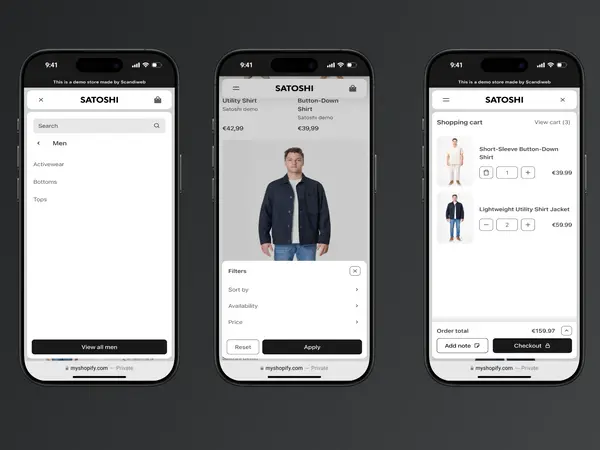
Satoshi
|
|
| 3 |

|
Debutify
|
|
| 4 |

|
Symmetry
|
|
| 5 |

|
Korando
|
|
| 6 |
|
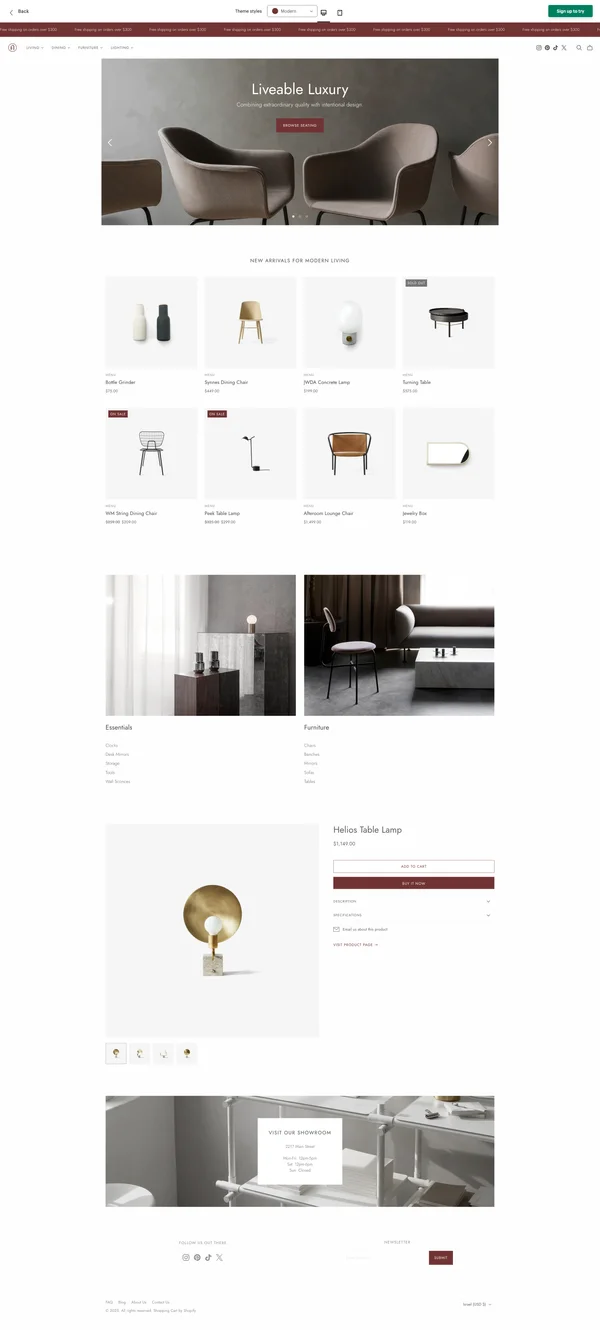
Atlantic
|
|
| 7 |
|
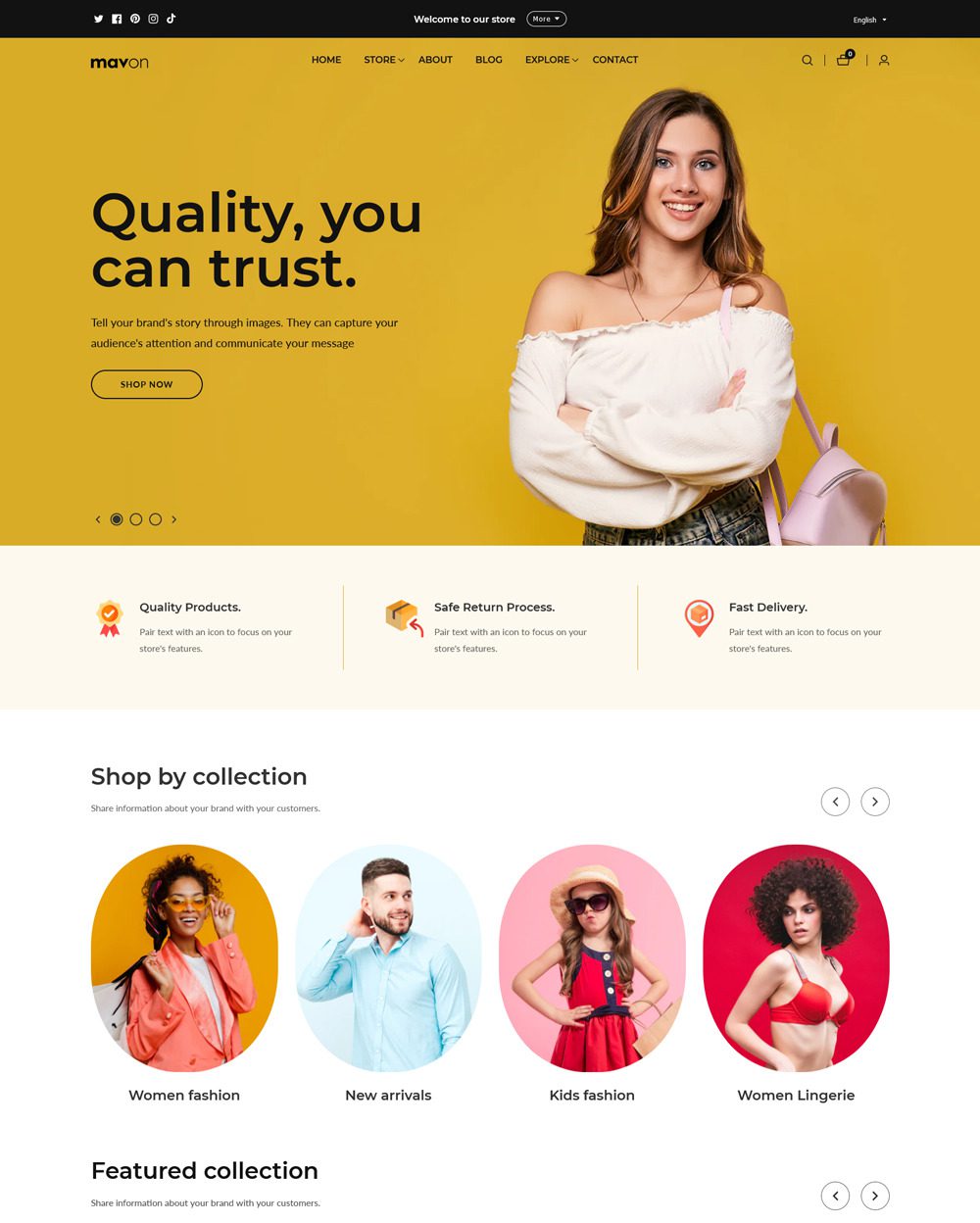
Mavon
|
|
| 8 |

|
Grid Theme
|
|
| 9 |

|
Everything
|
|
| 10 |

|
Flow - Timeless
|
|
| 11 |

|
Envy - Luxe
|
|
| 12 |

|
Expanse - Classic
|
|
| 13 |

|
Palo Alto
|
|
| 14 |

|
Sahara - Sahara
|
|
| 15 |

|
Prestige - Couture
|
|
| 16 |

|
Testament - Deliverance
|
|
| 17 |

|
Yuva - Classic
|
|
| 18 |

|
Pipeline - Clean
|
|
|
Show More
|
|||
-
What are the costs associated with starting a Shopify store?
Shopify offers various pricing plans, each providing different features catering to a range of business sizes and needs. Additional costs can include transaction fees, premium themes, and third-party apps to enhance store functionality.
-
Can I integrate third-party apps or plugins with my Shopify store?
Shopify allows the integration of third-party apps and plugins, available from the Shopify App Store, to extend the store’s features. These integrations can enhance various aspects of the store, from marketing and sales to inventory management and customer service.
-
How can I optimize my Shopify store for mobile users?
Shopify stores are optimized for mobile users, with responsive design ensuring a seamless shopping experience on all device types. Store owners can also choose mobile-friendly themes and implement mobile optimization practices to enhance user experience.
Enhancing Your Shopify Store’s Functionality
Optimizing the Store Layout
Creating a visually appealing and user-friendly store layout is paramount. The design should not only reflect the brand’s identity but also offer an intuitive shopping experience.
Incorporating elements like a well-organized navigation menu, clear product categories, and an easily accessible search bar can significantly enhance user engagement and conversion rates. It’s essential to continuously test and optimize the layout to ensure it meets the evolving needs of the target audience. Cropping images and adding GIFs can also help to improve the visual appeal of your store.
Product Presentation
Product presentation plays a crucial role in attracting and retaining customers. High-quality images, detailed descriptions, and customer reviews can significantly impact the buyer’s decision-making process.
Implementing features like zoom-in functionality, multiple view angles, and video demonstrations can provide customers with a comprehensive understanding of the product, leading to informed purchasing decisions.
Custom Domain and SEO
A custom domain not only professionalizes the store but also enhances its SEO performance. Implementing SEO best practices, including optimizing product titles, descriptions, and images, is essential for improving the store’s visibility on search engines.
Utilizing tools and analytics to monitor and analyze SEO performance can provide valuable insights for ongoing optimization efforts.
Strategies for Effective Store Management
Inventory Management
Effective inventory management is integral to the store’s success. Utilizing robust inventory management systems can streamline the process of tracking and managing stock levels, order fulfillment, and returns.
Implementing automated solutions can enhance accuracy, efficiency, and customer satisfaction, ensuring that the store is well-equipped to handle varying demand volumes.
Customer Engagement
Engaging with customers effectively can foster loyalty and repeat purchases. Implementing features like live chat, personalized recommendations, and loyalty programs can enhance the customer experience.
Utilizing data analytics to gain insights into customer behavior and preferences can inform targeted marketing and engagement strategies, driving increased sales and customer retention. Adding gift cards and enabling push notifications are also great ways to engage customers and build trust.
Security and Privacy
Ensuring the security and privacy of customer data, such as their address, is paramount. Implementing robust security protocols, including SSL certificates and two-factor authentication, can safeguard against potential threats. Adding legal pages such as terms of service and privacy policy is also important to build trust with customers.
Being transparent about data collection and usage practices and providing customers with control over their data can build trust and enhance the store’s reputation.
Conclusion: How to set up a Shopify store?
Well, that’s it, you’ve got all of the information you need to get your very own Shopify eCommerce site up and running. Once you’ve set up your store to work and added your products, you can log in to the admin area to manage your business. From there, you can get your first sale by promoting your store and building trust with customers. Can’t believe how easy it is right? Now there’s nothing stopping you from starting that online business that you’ve always wanted. So get out there and start selling!

