5 Print on Demand Themes For Shopify 2026
Last modified: September 14, 2026

| # | Image | Name | Price | Reception | Adoption | CWV pass rate |
|---|---|---|---|---|---|---|
| 1 |
|
Prestige
|
$400 | (869) | 4.4% | 78.7% |
| 2 |
|
Symmetry
|
$420 | (391) | 1.4% | 80.8% |
| 3 |
|
Highlight
|
$280 | (50) | <0.1% | — |
| 4 |
|
Startup
|
$100 | (103) | <0.1% | — |
| 5 |
|
Booster
|
$299 | 0.2% | 44.6% | |
|
Show More
|
||||||
Data first, opinion second: we track usage across 3.5+ million Shopify stores daily, and have since 2017. The stats tell us what merchants actually use; our editors rank the final picks by quality, pricing, and fit.
How These Themes Compare on Speed
| Theme | CWV pass rate | Few apps | Median LCP |
|---|---|---|---|
| Symmetry | 80.8% | 88.1% | 1.5s |
| Prestige | 78.7% | 85.5% | 1.6s |
| Booster | 44.6% | 48.6% | 2s |
Prestige
Ideal for: Design-led premium POD
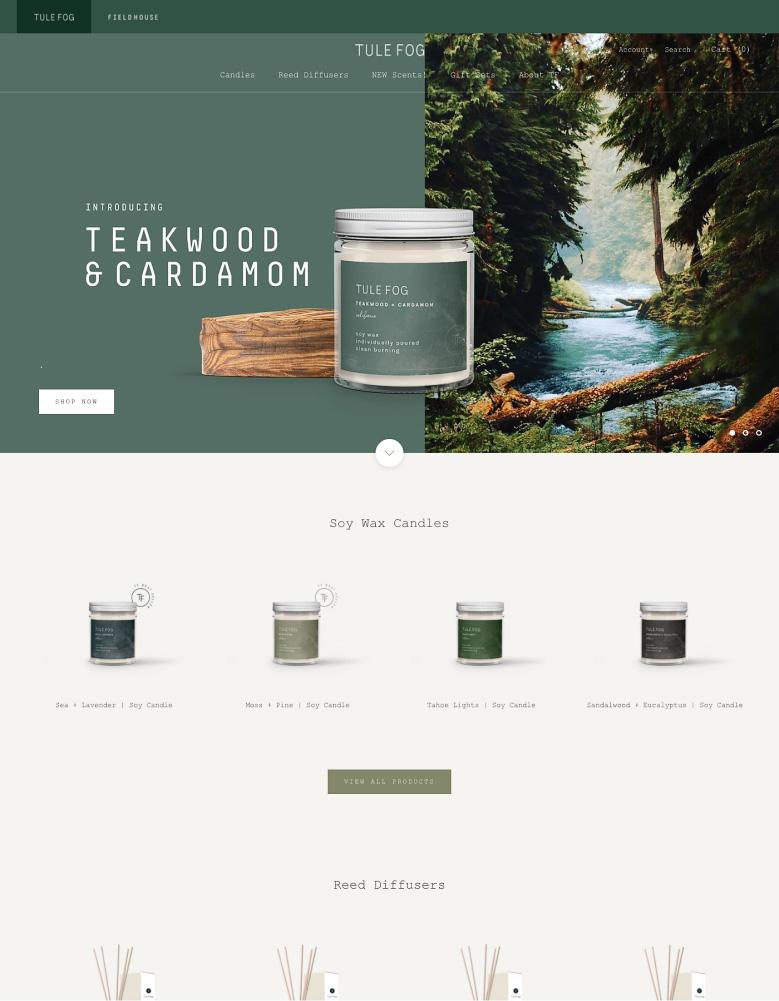
Prestige from Maestrooo is the premium, editorial pick, and it suits a design-led print on demand brand that wants its work shown like a gallery. Large imagery and refined typography give a single design or a small collection real presence, so artwork sells on how it looks rather than how it is listed.
It is the most-used premium theme in our store dataset, so it is a well-tested, well-supported choice for a POD store that leads with visuals.
Prestige for POD, Highlights:
- Large, editorial imagery that frames designs like gallery pieces.
- Refined typography for a premium, curated feel.
- The most-used premium theme in our dataset.
- Best for design-led POD brands that sell on presentation.
Prestige Usage Statistics
Prestige usage at a glance, from our Shopify store dataset, refreshed daily.
Prestige Page Speed: Live Data
Symmetry
Ideal for: Large POD design catalogs
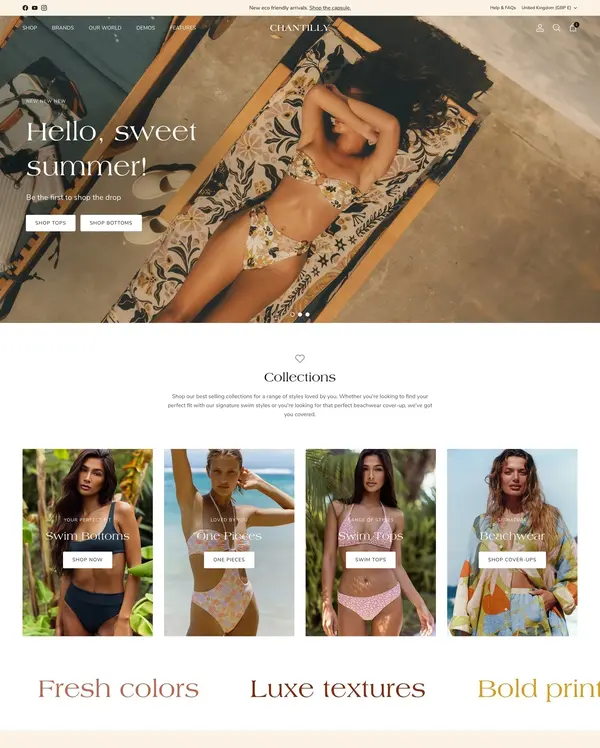
Symmetry from Clean Canvas is the pick for a print on demand store with a deep catalog of designs. Its clean, uncluttered layouts give artwork room to breathe, and its powerful filtering lets shoppers sort by style, color, or product type without the storefront feeling crowded. For a store selling dozens or hundreds of designs, that structure matters.
It also tests faster on Google PageSpeed than most themes we measure, which counts double for POD because product images are large. For the full picture on how it performs and who runs it, see our Symmetry review.
Symmetry for POD, Highlights:
- Clean layouts that give designs room to stand out.
- Filtering to sort a large catalog by style or product.
- Tests faster on Google PageSpeed than most themes, which helps with heavy POD images.
- Best for print on demand stores with big design catalogs.
Symmetry Usage Statistics
Symmetry usage at a glance, from our Shopify store dataset, refreshed daily.
Symmetry Page Speed: Live Data
Highlight
Ideal for: Image-led design stores
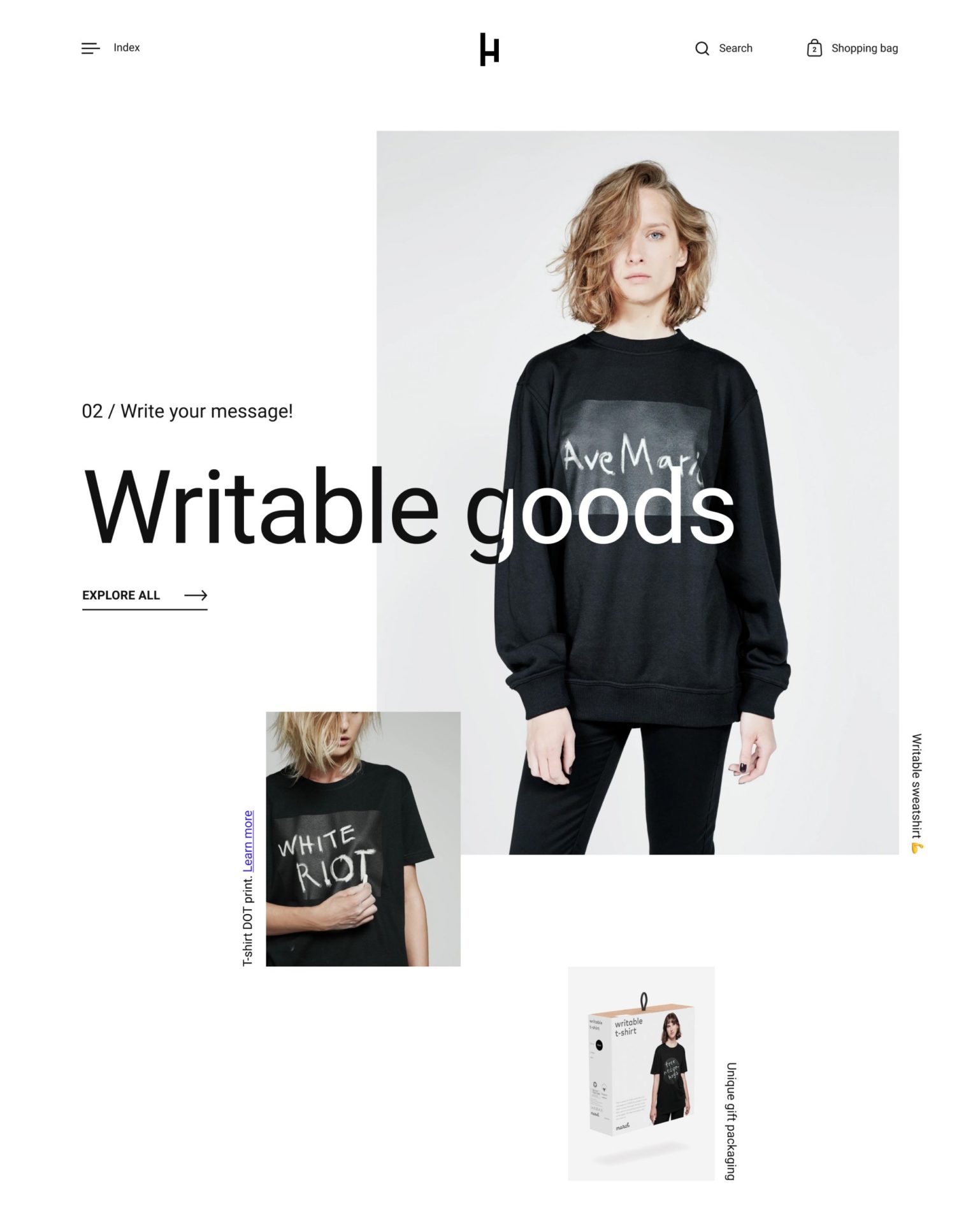
Highlight from Krown Themes is the most visual pick here, and that suits print on demand perfectly. It is built to put imagery front and center, with bold, high-impact layouts that make a single design or a small collection look like a gallery piece rather than a catalog entry.
It carries a very high Theme Store rating and gives you strong control over how products are presented, so your artwork lands at full quality. For a design-led POD brand that sells on how the work looks, it is an easy recommendation.
Highlight for POD, Highlights:
- Image-first layouts that showcase designs at full quality.
- Bold, high-impact presentation for a small, curated range.
- Strong control over product display.
- Best for design-led POD brands that sell on visuals.
Startup
Ideal for: New, single-campaign stores
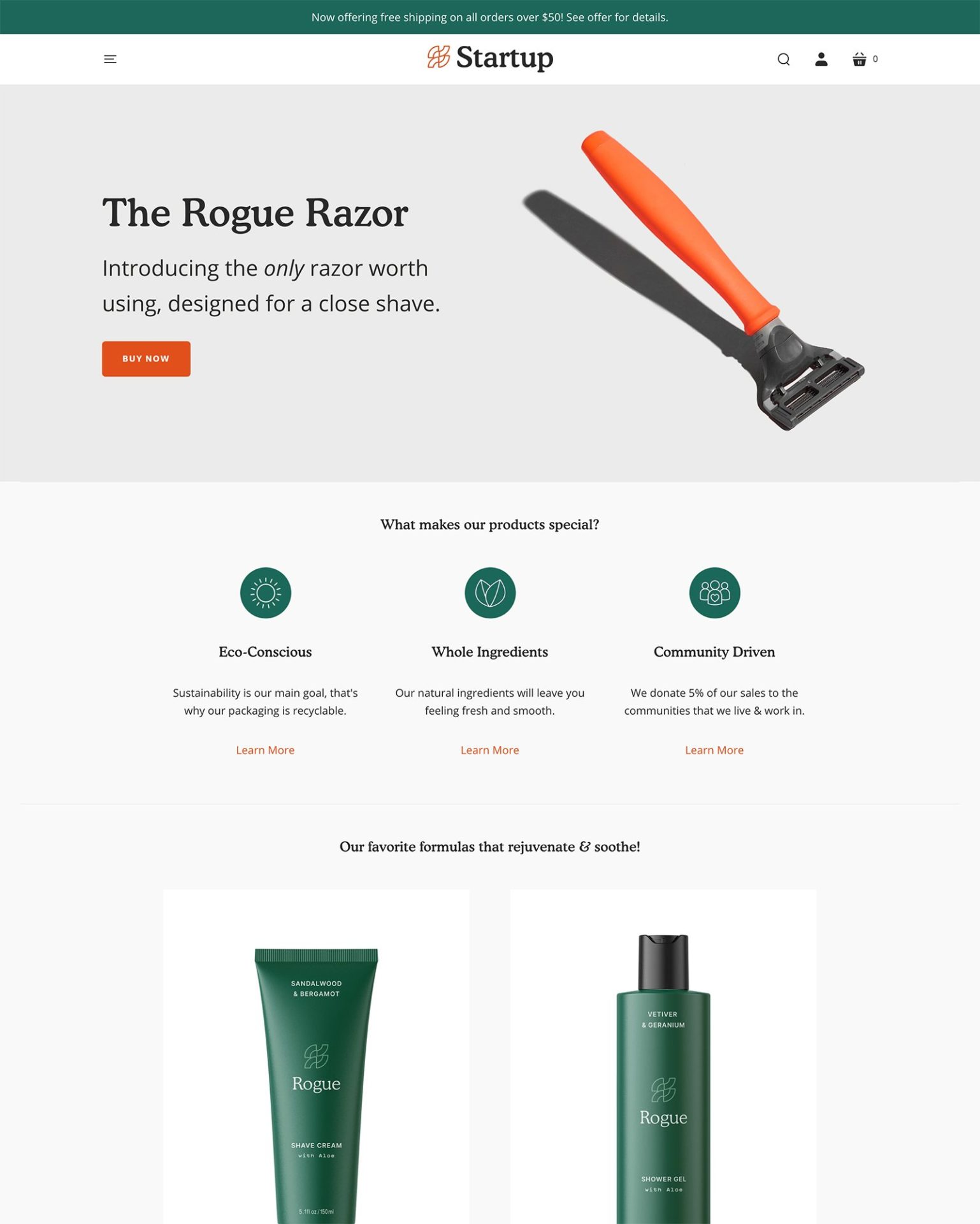
Startup from Little Stream Software is the budget-friendly starting point for a new print on demand store. Its clean, modern design keeps the focus on the product, and at the lowest price in this list it is an approachable way to launch a small range of designs without a big spend.
It is built for a focused product line rather than a sprawling catalog, so it fits a limited-run or single-campaign POD store better than a store carrying hundreds of designs.
Startup for POD, Highlights:
- Clean, modern design that keeps the product central.
- The most affordable premium theme in this list.
- Suited to a focused, limited-run range.
- Best for new or single-campaign POD stores.
Booster
Ideal for: Conversion-first POD stores

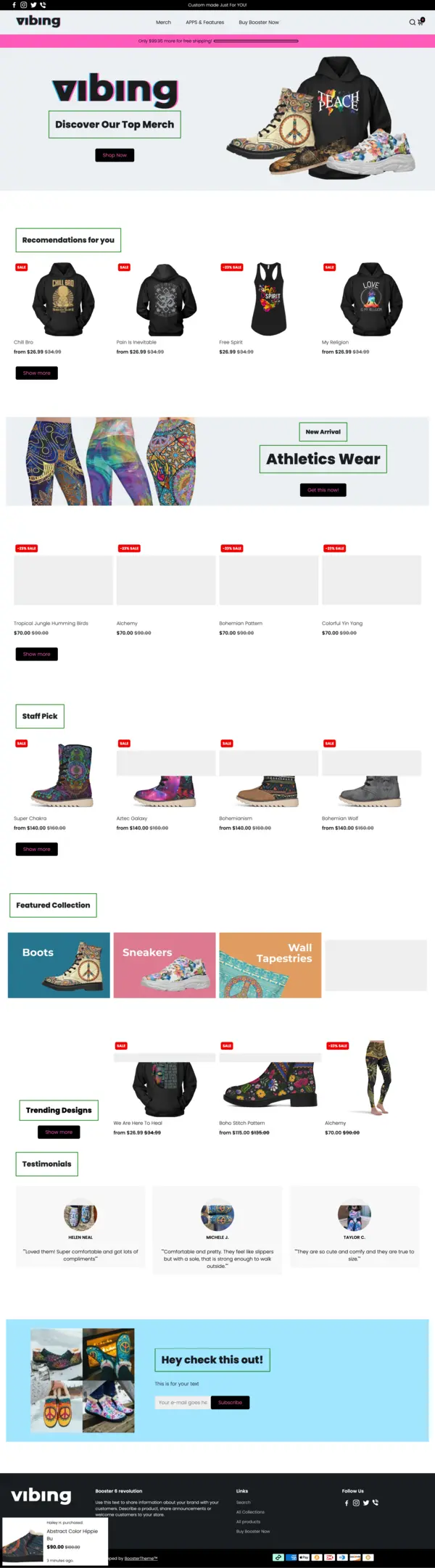
Booster is the conversion-first option, and for a POD store watching its margins it bundles the selling tools you would otherwise add through apps: upsells, countdown timers, popups, and social proof are built into the theme. That keeps the app bill down while pushing average order value up.
It is sold direct rather than through the Shopify Theme Store, and it pitches itself on replacing several paid apps. Fewer stores in our dataset run it than the Theme Store options above, so we do not show live stats for it.
Booster for POD, Highlights:
- Built-in upsells, timers, popups, and social proof.
- Aims to replace several paid apps to protect POD margins.
- A conversion-first base for a design store.
- Sold direct, with no Shopify Theme Store listing.
Booster Page Speed: Live Data
-
Are there specific features in Shopify themes that benefit print on demand businesses?
Shopify themes often include features like customizable layouts and product visualization tools, ideal for showcasing print on demand products.
-
Do Shopify themes support high-resolution images for print on demand products?
Yes, these themes are designed to support high-quality images, ensuring that print on demand products are displayed attractively.
-
What is the best print on demand for Shopify?
When it comes to print on demand for Shopify, there are several top contenders that stand out. Apps like Printful, Printify, and Gooten offer exceptional services with extensive product catalogs and high-quality printing. These platforms integrate smoothly with Shopify, ensuring your designs look fantastic and orders are fulfilled efficiently. Choose based on your specific needs and product range for the best results.
-
How to set up print on demand with Shopify
Setting up print on demand with Shopify is a breeze. Start by selecting a print-on-demand app from the Shopify App Store, such as Printful or Printify. Install the app, connect it to your Shopify store, and customize your product offerings. You’ll then create and upload your designs, set your prices, and manage your store’s fulfillment options. It’s a streamlined process that puts you in control of your product line.
-
What print on demand companies work with Shopify?
Shopify is compatible with several top-notch print-on-demand companies. Among the best are Printful, Printify, Gooten, and SPOD. Each offers a variety of products and printing options, integrating smoothly with Shopify. These companies handle printing, packing, and shipping, so you can focus on designing and marketing your unique products without worrying about logistics.
-
How to link print on demand to Shopify?
Linking print on demand to Shopify is a simple process. First, choose a print-on-demand app from the Shopify App Store and install it. Follow the app’s setup instructions to connect it to your Shopify store. You’ll then configure your products and designs within the app, which will automatically sync with your Shopify store. This integration ensures smooth order processing and fulfillment, allowing you to focus on growing your business.
Conclusion: 4 Best Shopify Themes for Print on Demand
Picking the right Shopify theme for your print on demand store is a foundational decision. A theme that handles large product images well, loads fast, and gives customers enough flexibility to browse and personalize will outperform a generic one regardless of how good your designs are.
The four themes in this list, Booster, Symmetry, Startup, and Highlight, cover the main use cases: conversion-focused multi-niche stores, art print catalogs, single-product launches, and premium photography-led storefronts. Pick the one that fits your catalog size and visual direction, and you’ll have a strong foundation to build on.