How to Lock your Website in Shopify
Last modified: March 31, 2026

| # | Name | Image | |
|---|---|---|---|
| 1 |
|
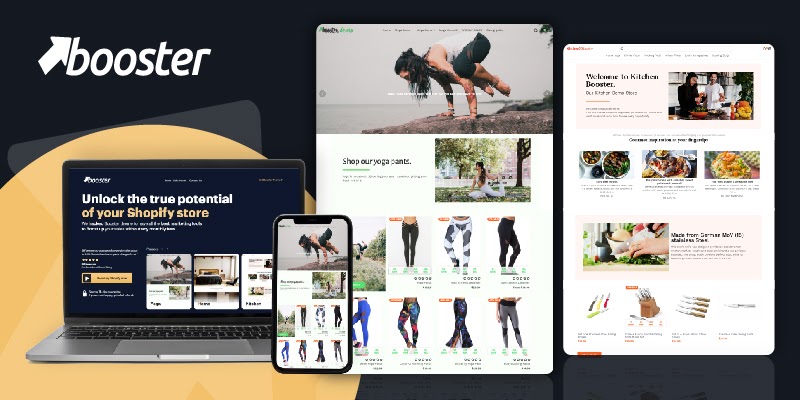
Booster
|
|
| 2 |

|
Sahara
|
|
| 3 |

|
Be Yours
|
|
| 4 |

|
Concept
|
|
| 5 |

|
Flow
|
|
| 6 |

|
Mavon
|
|
| 7 |

|
Pipeline
|
|
| 8 |

|
Broadcast
|
|
| 9 |

|
Yuva
|
|
| 10 |

|
Symmetry
|
|
| 11 |
|
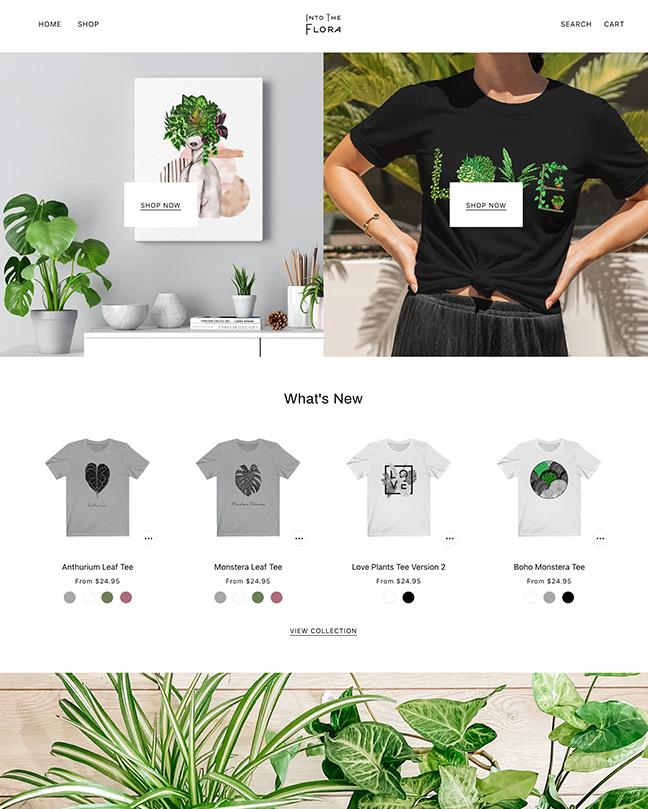
Beyond
|
|
| 12 |
|
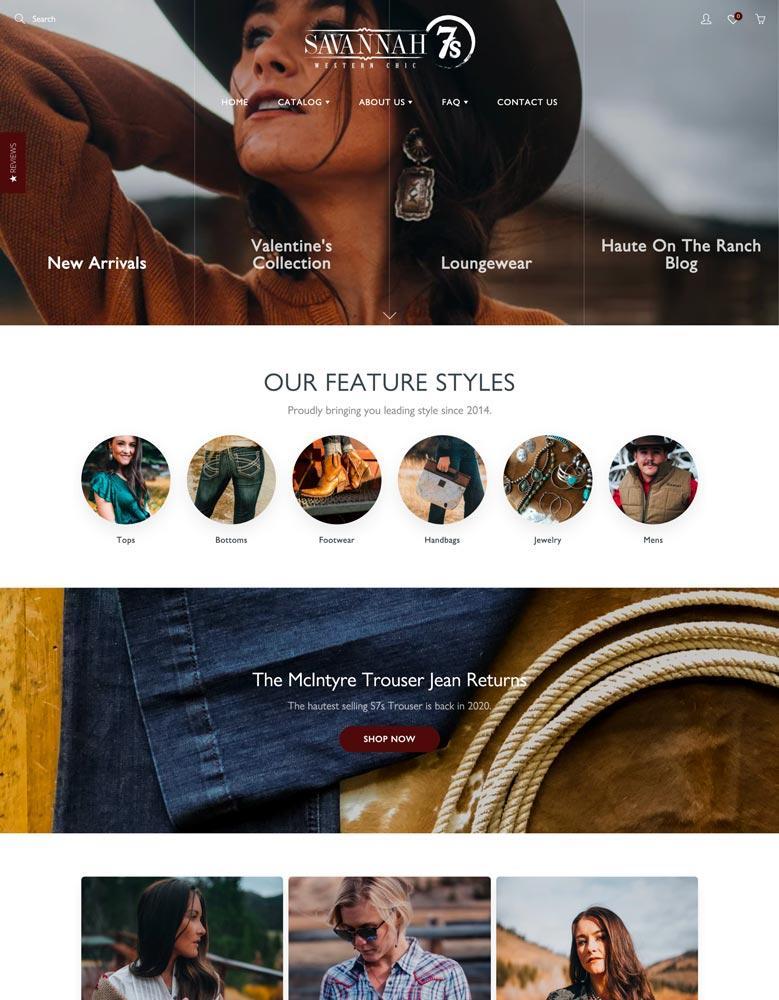
Galleria
|
|
| 13 |
|
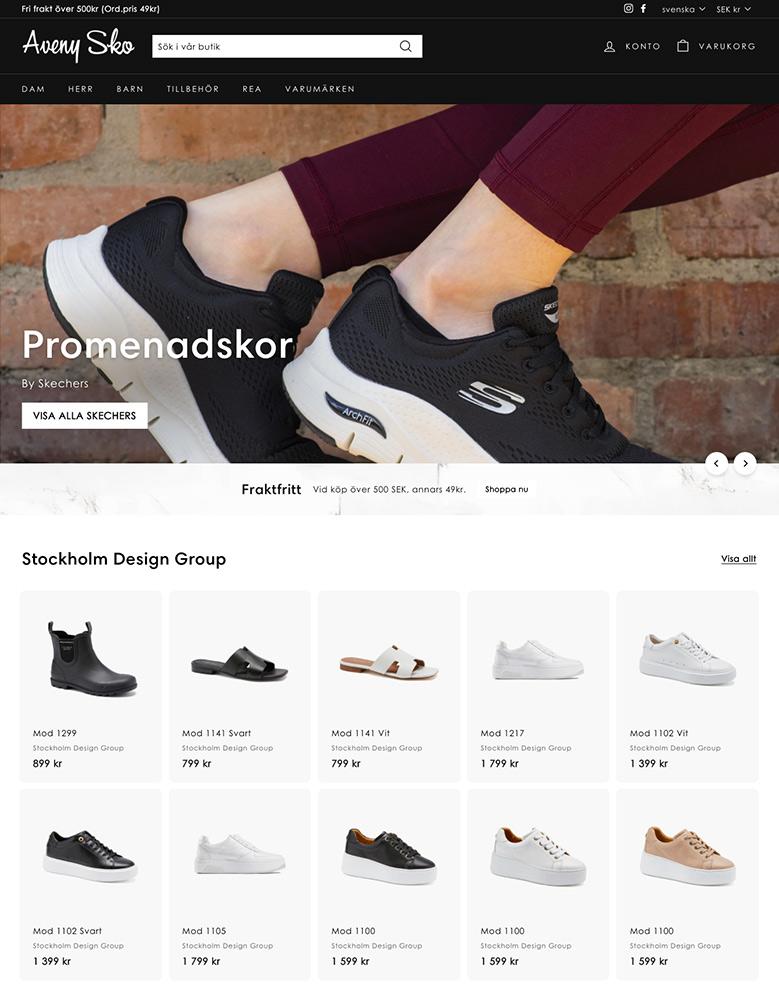
Expanse
|
|
| 14 |

|
Palo Alto
|
|
| 15 |

|
Motion
|
|
|
Show More
|
|||
-
Is it possible to track visits to my locked Shopify website?
Yes, you can track visits to your locked Shopify website using analytics tools. These tools can monitor traffic even on password-protected pages, giving you insights into visitor behavior.
-
Is there a way to lock my Shopify site for a limited time?
Yes, you can lock your Shopify site for a limited time by enabling password protection and disabling it when you choose to make the site public again.
-
Can I provide different passwords for different users on my Shopify site?
Shopify’s standard password feature doesn’t support multiple passwords for different users. For more complex access control, consider using a membership app.
Conclusion: How to Lock your Website in Shopify
There are many reasons why you might want to lock your website in Shopify. You could want to keep your website in development and only allow team members or Shopify developers to see the website while they work on advanced customizations. Or you could want to make your website more exclusive with your website only accessible to authorized customers.
However, it will mean that search engines can’t find your website and will not list your website for results. If you don’t want this to happen, then you should consider using a lock page app that can hide specific pages from your audiences which they can only access using a password. Or you could try a membership app on your website that will do the same thing.
It’s also a good idea to exclude your own IP address from Shopify stats when locking down your site, so your own visits don’t skew the analytics and you can obtain a more accurate representation of your website’s performance and visitor behavior. Direct links from social media will also be blocked and instead all links will direct to your website’s password page when the site is locked.
These are cost-effective solutions that also help you to remain active on search engines and build new audiences for your brand.

