9 Shopify Sub-Collections Themes
Last modified: October 11, 2026

| # | Image | Name | Price | Reception | Adoption | CWV pass rate |
|---|---|---|---|---|---|---|
| 1 |
|
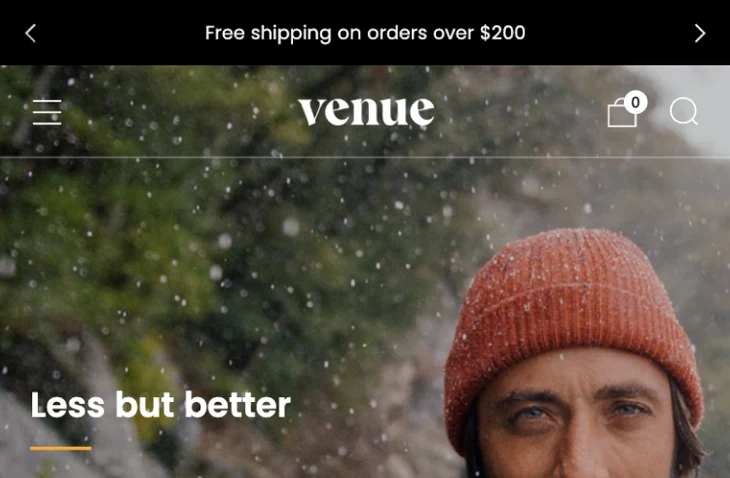
Venue
|
$380 | (537) | 0.2% | 74.7% |
| 2 |

|
Broadcast
|
$420 | (283) | 1.7% | 74.6% |
| 3 |
|
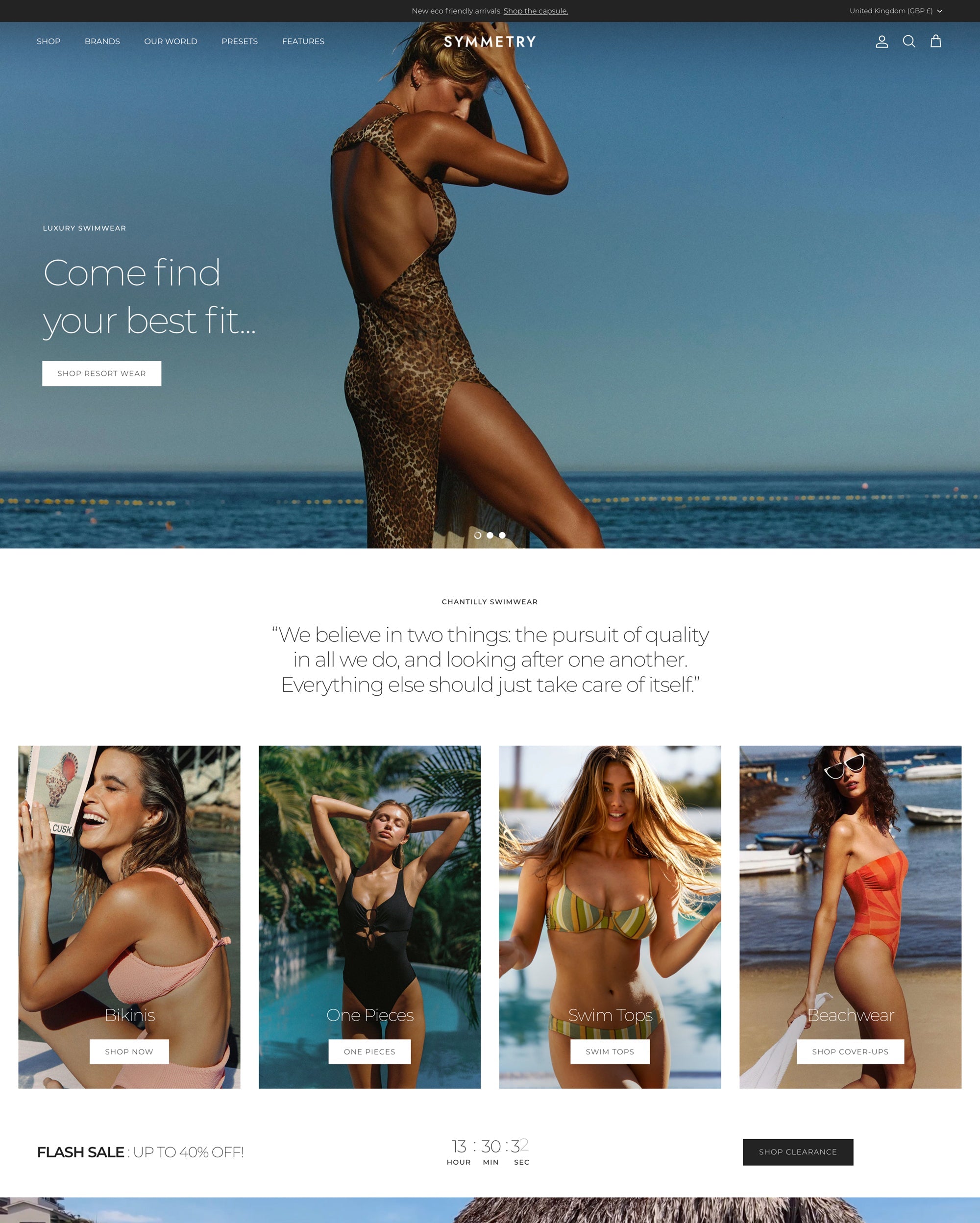
Symmetry
|
$420 | (391) | 1.4% | 81.1% |
| 4 |

|
Palo Alto
|
$420 | (312) | 0.9% | — |
| 5 |

|
Enterprise
|
$420 | (113) | 0.7% | 78.8% |
| 6 |

|
Prestige
|
$400 | (869) | 4.4% | 78.8% |
| 7 |
|
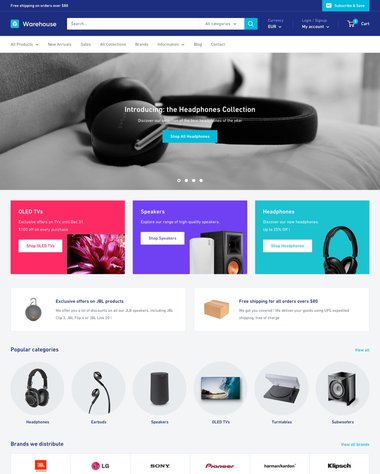
Warehouse
|
$320 | (325) | 0.8% | 66.9% |
| 8 |
|
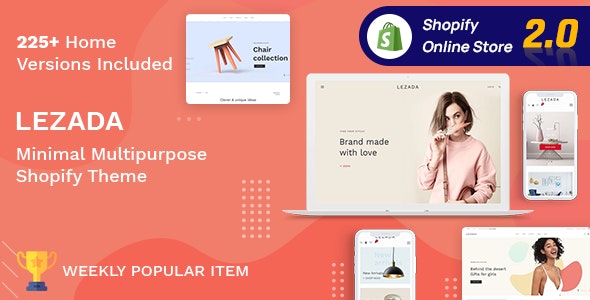
Lezada- Multipurpose Shopify Theme
|
— | — | — | — |
| 9 |

|
Multikart- Multipurpose Sections Shopify Theme
|
— | — | — | — |
|
Show More
|
||||||
Data first, opinion second: we track usage across 3.5+ million Shopify stores daily, and have since 2017. The stats tell us what merchants actually use; our editors rank the final picks by quality, pricing, and fit.
How These Themes Compare on Speed
| Theme | CWV pass rate | Few apps | Median LCP |
|---|---|---|---|
| Symmetry | 81.1% | 88.1% | 1.5s |
| Enterprise | 78.8% | 83.9% | 1.6s |
| Prestige | 78.8% | 85.8% | 1.6s |
| Venue | 74.7% | 81.9% | 1.9s |
| Broadcast | 74.6% | 86.4% | 1.5s |
| Warehouse | 66.9% | 77% | 1.7s |
Venue
Ideal for: Large catalogs organized with sub-collections and filtering
Venue, by Safe As Milk, is a premium theme built around organizing a large catalog. Its collection-page navigation, mega-menu, breadcrumbs, and product filtering let you group a deep range into sub-collections shoppers move through without getting lost.
Swatch filters and enhanced search narrow big ranges fast, while promotion tiles keep featured groups visible. For a store that lives on how well products are sorted, Venue gives that structure real support.
Venue Highlights:
- Collection-page navigation and breadcrumbs
- Mega-menu with sub-collection grouping
- Product filtering, swatch filters, and enhanced search
- Premium paid theme by Safe As Milk
Here is how Venue shows up in our store data:
Venue Page Speed: Live Data
Broadcast
Ideal for: Content-rich stores grouping a deep catalog
Broadcast is built for stores with a lot to organize and a lot to say. Its mega-menu and promotion blocks let you surface sub-collections straight from the navigation, so a deep catalog opens up in a click rather than a long scroll.
Bold typography and full-width sections keep large groupings feeling deliberate, and its collection layouts hold up when the product count climbs.
Broadcast Highlights:
- Mega-menu with promotable sub-collections
- Strong collection-page layouts
- Content sections for grouping context
- Premium Theme Store paid theme
Here is how Broadcast shows up in our store data:
Broadcast Page Speed: Live Data
Symmetry
Ideal for: Catalogs that group products into many collections
Symmetry is one of the most collection-focused themes on the Store. It groups products with tabbed collections and expandable menus, so sub-collections sit a tap apart instead of buried on separate pages.
Filtering and quick navigation help shoppers narrow a large range fast, which is the whole point when a catalog runs deep.
Symmetry Highlights:
- Tabbed and grouped collection layouts
- Expandable menu for sub-collections
- Product filtering and quick navigation
- Premium Theme Store paid theme
Here is how Symmetry shows up in our store data:
Symmetry Page Speed: Live Data
Palo Alto
Ideal for: Broad catalogs that want a clean, simple layout
Palo Alto pairs a clean, flexible layout with a mega-menu that makes sub-collections easy to lay out. You can group a broad catalog into clear sections without the store feeling busy.
Its collection pages and filtering keep browsing simple, so a large range stays approachable on mobile as well as desktop.
Palo Alto Highlights:
- Mega-menu for grouped collections
- Flexible, uncluttered layouts
- Collection filtering and sorting
- Premium Theme Store paid theme
Here is how Palo Alto shows up in our store data:
Enterprise
Ideal for: High-SKU stores with many product groups
Enterprise is made for big catalogs and many collections, which is exactly the sub-collection use case. Its navigation and collection tools are built to hold a large, layered range without slowing shoppers down.
Clear category paths and bulk-friendly layouts suit stores that carry a lot of products across several groups.
Enterprise Highlights:
- Built for large, layered catalogs
- Deep navigation and category paths
- Collection filtering and sorting
- Premium Theme Store paid theme
Here is how Enterprise shows up in our store data:
Enterprise Page Speed: Live Data
Prestige
Ideal for: Premium brands with a deep, curated catalog
Prestige is the premium standard for brands that want a deep catalog to feel considered. Its mega-menu and refined collection pages let you present sub-collections as a curated path rather than a wall of products.
The polish carries into filtering and merchandising, so a large range reads as an editorial storefront.
Prestige Highlights:
- Refined mega-menu navigation
- Editorial collection pages
- Filtering and merchandising tools
- Premium Theme Store paid theme
Here is how Prestige shows up in our store data:
Prestige Page Speed: Live Data
Warehouse
Ideal for: Very large inventories that need heavy filtering
Warehouse is built specifically for large inventories, which makes it a natural fit for sub-collections. It handles many collections and heavy filtering as a core feature, so shoppers can drill from a broad group down to a single product.
Dense, information-first layouts suit stores where finding the right item fast matters more than white space.
Warehouse Highlights:
- Built for large inventories and many collections
- Advanced filtering and drill-down
- Information-dense collection pages
- Premium Theme Store paid theme
Here is how Warehouse shows up in our store data:
Warehouse Page Speed: Live Data
Lezada- Multipurpose Shopify Theme
Ideal for: Multipurpose stores that need prebuilt section layouts
Lezada is one of the most elegant Shopify themes that you can come across. It is a multi-purpose theme that can be used within any industry with lots of features that can help you grow your website. The theme’s design is perfectly optimized for numerous devices. This can include mobiles and desktops.
The theme is a perfect theme for lots of great niches. It is often deployed on websites selling electronic goods, digital products, fashion items and more.
The theme connects with social media platforms for better engagement with audiences. You’re also going to get more than 210 different homepage demo sites, with more than 40 drag and drop sections and 11 slider styles/banners that you can deploy.
Lezada- Multipurpose Shopify Theme Highlights:
- Optimized for search engines and all devices, being completely responsive to the device the user is on.
- There are lookbook banners for an excellent design on your website that is attractive.
- There are more than 210 designs you can apply to your website in one click.
- Lots of other features to help you sell more.
Multikart- Multipurpose Sections Shopify Theme
Ideal for: Multi-category stores with a marketplace layout
This is another multi-purpose website that is perfect for numerous niches. This has been used for fashion, tech and more. There are 21 premade demo sites that can be installed on your website for easy website design. There are also 12 product layouts that can be applied to your website and more than 8 shop layouts. Therefore, you can build a great website with lots of premade options already completed for you. These demo sites can be customized to your specific needs.
The theme includes lots of other features to help you build your website with lots of potential for sales. There is a sales countdown timer to add urgency on your website and product zoom to enhance the shopping experience of your customer.
To help with design there is the chance to use numerous Google fonts on your website with integration. You can also add a mega menu for improved navigation across your website.
Multikart- Multipurpose Sections Shopify Theme Highlights:
- Improve the performance of your website with lots of great features to help build a better website.
- Add a mega menu for improved navigation on your website.
- Add urgency to your website to get more customers to convert when they see the ticking clock.
- A product zoom option that allows you to enhance the shopping experience.
-
Can I add sub-collections to an existing Shopify theme?
Adding sub-collections to an existing Shopify theme may require customization or choosing a theme that already includes this feature.
-
What is a sub-collection in Shopify?
A sub-collection is a collection nested inside a broader one. A Menswear collection might contain Shirts, Trousers, and Outerwear as sub-collections. Shopify treats every collection as a flat list by default, so the nesting is something you create through menus, links, or an app. The result is a clearer path for shoppers moving from a broad category to a specific group.
-
Does Shopify support nested collections natively?
Not directly. Shopify has no built-in hierarchy that makes one collection a formal subset of another. You create the effect with navigation menus, links inside collection pages, product tags, or a dedicated sub-collection app. Because the structure lives in these tools rather than the platform itself, the theme you use largely decides how well the nesting displays to shoppers.
-
How do I add sub-collections to a Shopify store?
The most common method is your navigation menu: create a top-level item, then add the narrower collections as drop-down links beneath it. You can also link related collections from within a collection’s description or with theme sections built for it. For larger catalogs, a sub-collection app can manage the relationships automatically. A theme with strong menu and collection tools makes the setup simpler.
-
Do I need an app for Shopify sub-collections?
Not always. For a small or medium catalog, menus and manual links handle sub-collections without any app. Apps become useful when you have many groups, want automatic filtering, or need the hierarchy to update itself as products change. If your theme already has a capable mega-menu and collection filtering, you can often skip the app entirely.
-
Which Shopify theme is good for large catalogs with sub-collections?
Themes built for deep inventories handle sub-collections most smoothly. Warehouse and Enterprise are made for large, layered catalogs, while Prestige and Venue offer a premium feel with strong navigation. Symmetry and Palo Alto sit in the middle with flexible menus and filtering. The right pick depends on how large your catalog is and how much filtering your shoppers need.
-
Do sub-collections help SEO?
They can. A clear collection hierarchy gives search engines more organized, keyword-relevant pages to index, and it improves internal linking between related groups. It also keeps shoppers on the site longer by making products easier to find, which supports engagement signals. The gain comes from genuine organization, not from thin duplicate pages, so build sub-collections around groups people actually search for.
Choosing your sub-collections theme
The right theme depends on how big and layered your catalog will get. For the deepest inventories, Warehouse and Enterprise are built for scale. For a premium, curated feel, Prestige and Venue lead. Symmetry and Palo Alto sit in the middle with clean, flexible navigation, and the kept multipurpose options suit stores that want a lot of prebuilt sections. Match the theme to your catalog, then lean on its menu and filtering tools to keep every sub-collection a click away.