7 Shopify Themes with a Page Builder 2026
Last modified: September 14, 2026

| # | Image | Name | Price | Reception | Adoption | CWV pass rate |
|---|---|---|---|---|---|---|
| 1 |
|
Blockshop
|
$420 | (420) | 0.2% | 72.5% |
| 2 |
|
Booster
|
$299 | 0.2% | 45.4% | |
| 3 |
|
Comeback - Advanced Shopify Theme Option
|
— | — | — | — |
| 4 |
|
Minimal Fashion Style Shopify Theme
|
— | — | — | — |
| 5 |
|
Minimal Fashion Style Shopify Theme
|
— | — | — | — |
| 6 |
|
Canvas Minimal Clean Shopify Theme
|
— | — | — | — |
| 7 |
|
Lacozt - Multipurpose Clothing and Fashion Store Shopify Theme
|
— | — | — | — |
|
Show More
|
||||||
Data first, opinion second: we track usage across 3.5+ million Shopify stores daily, and have since 2017. The stats tell us what merchants actually use; our editors rank the final picks by quality, pricing, and fit.
How These Themes Compare on Speed
| Theme | CWV pass rate | Few apps | Median LCP |
|---|---|---|---|
| Blockshop | 72.5% | 83% | 1.6s |
| Booster | 45.4% | 50% | 2.1s |
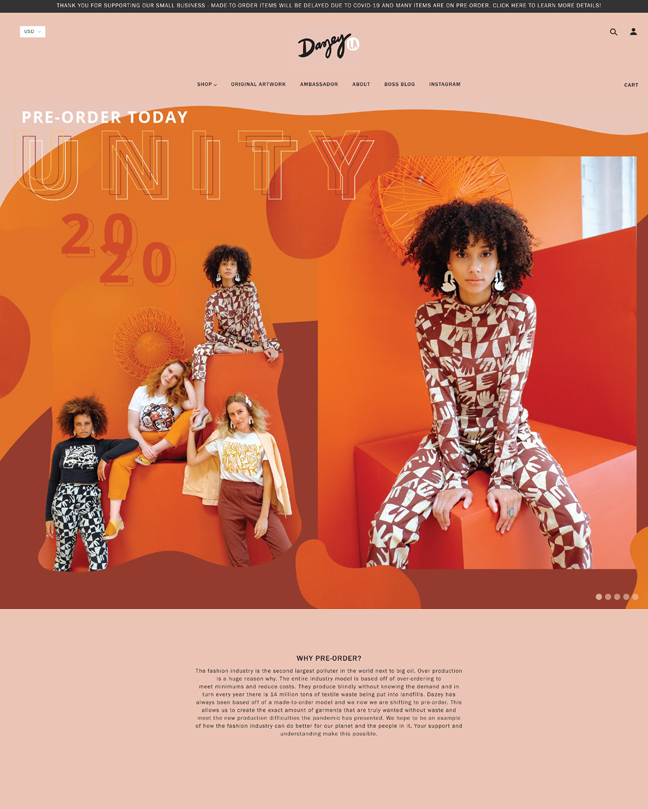
Blockshop
Ideal for: image-first stores wanting rich media without an app
Blockshop comes with four unique and aesthetically pleasing styles that can help you build a great website. These styles can then be customized for a unique look on your website that can help you build a lot of potential on your website for sales and conversions. This theme is perfect for those that want to have lots of images and videos on their website. This can also be great for promoting your products, services and blog.
To help you get the most out of this theme, there are simple customization options that allow you to change the appearance of the styles to closely match your expectations. You can get a more unique design that can match your brand easier.
In addition, you can use video to market your brand with high-converting content. The video can sit on your homepage for perfect viewing by numerous visitors. The video is hosted on YouTube or Vimeo, which means your website is not slowed down.
You can utilize the wide layout that can on the website that allows you to showcase products, services and other images in big shots that can help sell customers.
To help users get around your website, there are better navigational options for your website. This includes a multi-column option with drop-down elements. This can help your site be indexed easier as well for better ranking on Google and other search engines.
Blockshop Highlights:
- Is optimized for Google and other search engines. Perfect for those who want more traffic.
- Perfect for video content, which can help you convert your website’s traffic.
- Large images are used on the theme to showcase the strong parts of your brand and products.
- There are good navigation options that can help your customers browse your website.
Blockshop Page Speed: Live Data
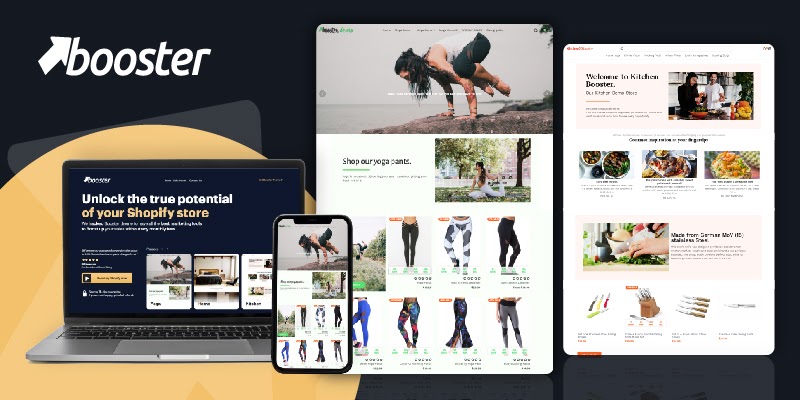
Booster
Ideal for: paid-traffic stores that want conversion features baked in

Booster is one of the strong themes for any Shopify website, regardless of the niche that you’re in. This is because it isn’t just a theme, it is a set of tools that can help you convert more of the traffic on your website. The theme contains a page builder that can help you create the strong website design that will give you a professional image.
The number of other features included with this theme is very impressive. On average you can expect your website to save more than $3000 a year on app subscriptions. This can be an impressive amount that can help you have a more profitable business.
Some of the other features included with this theme are A/B testing, popups, currency conversion, live chat and more. These features can help you grow your business and make more sales.
The theme is also fast. The average website will load in less than one second. This is much faster than the average website using other systems that can load within 8 and 11 seconds.
Booster Highlights:
- You can save more than $3000 on apps with the additional features that are added to the theme.
- You can use a video within the design of your template for better results.
- Reduce the abandoned carts on your website with several tools.
- Is perfect for building a unique design with a page builder tool.
Booster Page Speed: Live Data
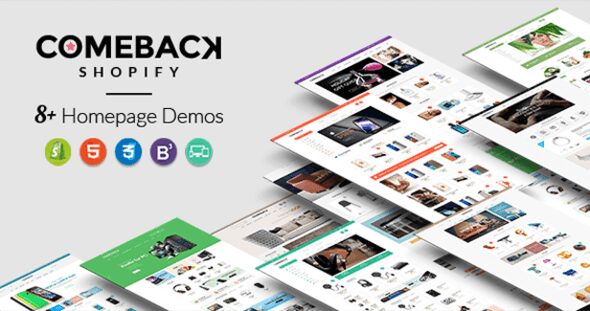
Comeback - Advanced Shopify Theme Option
Ideal for: stores that want a full drag-and-drop layout kit
Comeback is one of the top options if you’re looking to have a Shopify theme that comes with a drag and top page builder. This helps you to change the layout of the theme. The theme has been designed by one of the Elite Authors, therefore you know you’re going to get the strong theme that is W3C, HTML5 and CSS3 compliant.
The theme also comes with 8 different creative templates for you to start building your website with. There is drop-down menu support and you can utilize numerous languages to have your website in whatever language your would.
There is also the option to have a slideshow that can have whatever images you want to display the latest news, deals and more on your website. For product discovery, you will want to use the advanced product filter. This can display products that the customer wants, based on whatever criteria you would like to offer.
Comeback - Advanced Shopify Theme Option Highlights:
- An excellent theme that can help you build the theme that you want with a page builder.
- Add a slideshow that helps you display your latest deals and more.
- Can be translated into any language.
- Perfect for ranking on Google and other search engines.
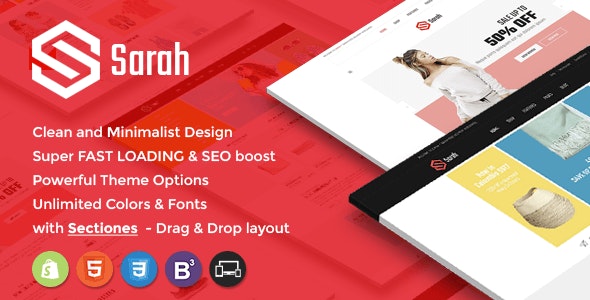
Minimal Fashion Style Shopify Theme
Ideal for: fashion stores that need multiple menu styles
Minimal Fashion is one of the top themes for those who are looking to establish themselves within the fashion genre. There is a responsive website design that is optimized for all screen resolutions and devices. There are also options mega menus, drop-down menus and more. You’re also able to use a slideshow to promote your website’s deals and core messages.
To help you get more views on your website’s products, you can use the advanced product filter. This can allow customers to find the products they want and reduce the abandoned cart rate or website exiting.
To help you get the design you want for the website there is a drag and drop layout builder. Within the design, you can use unlimited colors. This can include configuration of the background colors as well as those for the header, content, footer and more.
Minimal Fashion Style Shopify Theme Highlights:
You can customize the website’s design that allows you to have the pages your want.
customize everything from the text to the colors with ease.
optimized for all devices and search engines.
Add a slideshow to your website to help you promote your website and its deals.
Minimal Fashion Style Shopify Theme
Ideal for: clean, minimalist fashion stores
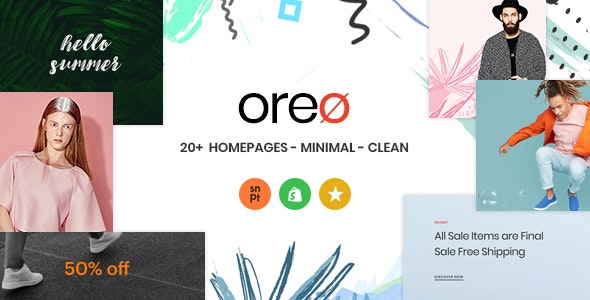
Oreo offers you an outstanding theme that allows you to have clean and creative layouts with a modern design. There are lots of options with the page builder to create excellent designs, product pages and banners. This theme is suitable for numerous industries including fashion, accessories and more. It has been designed for search engines with rich snippets, a clean and well-structured code base and it is completely friendly for mobile devices and more.
This theme has plenty of possibilities and you’re bound to enjoy the numerous features that are included.
Oreo Minimal Clean Shopify Theme:
- Numerous functions can be used on your website for better SEO and loading times.
- Optimized for speed, allowing for your website to reduce cart abandonment and bounce rates.
- Easy to design the perfect website with great drag and drop page builder.
- Lots of possibilities for you to enjoy a well-crafted, professional website design.
Canvas Minimal Clean Shopify Theme
Ideal for: large-catalog stores that want drag-and-drop layout
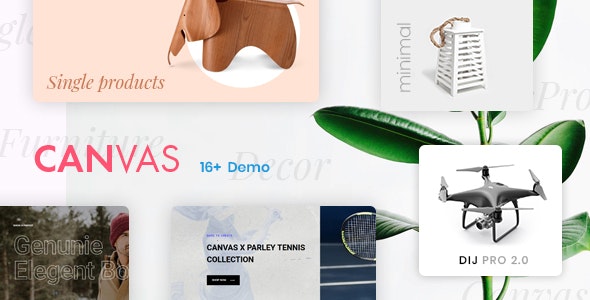
This is another theme that has all the features that you need to build a large catalog of products for your website. There are lots of options including using the drag and drop page builder for your website for a unique look.
The theme comes with SEO optimization, helping you to increase your rankings with ease. There is also CSS and JavaScript compression. This helps your website load quicker and improves your ranking and traffic levels.
The theme comes with lots of traffic, including multi-currency, multi-language and more. This theme is fully supported and can be viewed on any device with pure clarity.
Canvas Minimal Clean Shopify Theme Highlights:
- Loads very quickly with the perfect coding and design elements.
- Fully supportive of SEO, helping you to rank higher.
- Page builder elements to help you get more from your website.
- Multi-currency support for international businesses.
Lacozt - Multipurpose Clothing and Fashion Store Shopify Theme
Ideal for: clothing and fashion stores wanting no-code layout control
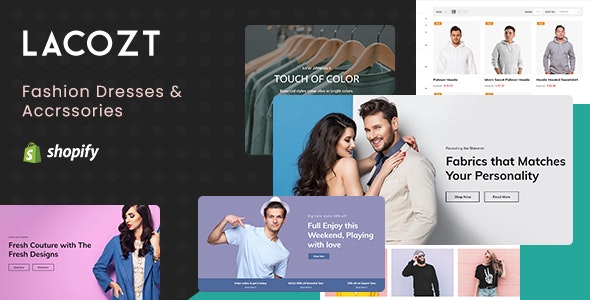
This is a versatile and user-friendly Shopify theme that will offer you the chance to create a stylish website with layouts and sections that you can customize yourself with a drag and drop page. Even those with no experience can use this theme to get the website they want without having to pay a website developer.
There are numerous templates that you can use as well. Templates for pages like about us, contact, services, blog, FAQ and more. The attractive website design will impress visitors to your website can help you to grow your website by improving the conversion rate of your business.
You can also have the support of the Power Elite author of this theme. So if you have any problems, you can speak to them to get problems resolved without any issues. This can be an important feature and can be a lifeline for those who are new to website design, especially on Shopify where there aren’t many experts that can help you.
The theme has been completely optimized for use across devices and to be found on search engines. There are mega menu options and the AJAX wishlist that allows your customers to add products to a list for later use. This can be a really good feature for your business. You’re also able to use product comparison and a countdown timer.
Lacozt - Multipurpose Clothing and Fashion Store Shopify Theme Highlights:
- Adds a wishlist to your website for customers to use.
- Versatile design that allows you to build a stylish website.
- Countdown timers that add urgency to your website design.
- Has several templates to help you get started.
Themes Selections for Other Specific Features
Apart from the page builder themes, there are some other standout themes in specific categories. For instance, themes with subcollections offer enhanced organization for complex product catalogs. Some themes come with built-in wishlist functionality, allowing customers to save items for future purchases.
If you’re looking to showcase your products dynamically, themes with video integration capabilities can be particularly effective. For those prioritizing speed, there are fast-loading themes designed to optimize performance. And for a visually striking effect, Parallax themes create an illusion of depth as users scroll through your site.
Despite the limited selection of themes with built-in page builders, the options presented above are excellent choices for your website. Each theme offers unique features that can help grow your business and improve your online presence.
By carefully considering your specific needs and the distinctive attributes of each theme, you can select a solution that not only includes a page builder but also aligns perfectly with your brand and business goals.
Conclusion: 7 Shopify Themes with a Page Builder
When it comes to the strong Shopify themes with a page builder you don’t have numerous options. Some of the strong themes out there are listed above, but many themes don’t have this option. They instead rely on the apps to help you get the most from your website.
That said, the ones above are great options for your website and you can be sure that you will get one of the strong themes available for your website. They all have unique features that can help you grow your business and improved.