4 Shopify Thank You Page Apps 2026
Last modified: September 15, 2026
| # | Image | Name | Price / month | Rating | Adoption |
|---|---|---|---|---|---|
| 1 |
|
ReConvert (Upsell.com)
|
Free + from $9.99/mo | (3,108) | 3.4% |
| 2 |
|
AfterSell
|
Free + from $34.99/mo | (1,062) | <0.1% |
| 3 |
|
Rebuy
|
Free + from $25/mo | (853) | 6.4% |
| 4 |
|
One Click Upsell - Zipify OCU
|
— | — | 1.2% |
|
Show More
|
|||||
Data first, opinion second: we track usage across 3.5+ million Shopify stores daily, and have since 2017. The stats tell us what merchants actually use; our editors rank the final picks by quality, pricing, and fit.
ReConvert (Upsell.com)
Ideal for: Turning the thank-you page into a second selling moment
ReConvert, now listed as Upsell.com, is the most complete thank-you page tool here. It replaces Shopify’s default order-confirmation page with an editable one that runs one-click post-purchase upsells and cross-sells, so a customer can add another product without re-entering payment. Around that it adds surveys, review prompts, and re-engagement blocks, turning a dead page into a working part of the funnel. It is the most widely installed app in this space, with a high rating across thousands of stores.
The pricing scales with order volume and adds a small share of the revenue it generates, so cost tracks value. For any store that takes real volume and wants to lift order value at the moment of purchase, it is the default pick. See how many stores run ReConvert in our dataset.
A drag and drop editor means you can rebuild the page without a developer, and triggers let different orders see different offers, so the confirmation page keeps earning as your catalog changes.
ReConvert Highlights:
- Editable thank-you page with one-click upsells
- Post-purchase cross-sells and bundles
- Surveys and review prompts built in
- A/B testing to find what lifts order value
- Widely installed with a high rating
AfterSell
Ideal for: Clean one-click post-purchase and checkout upsells
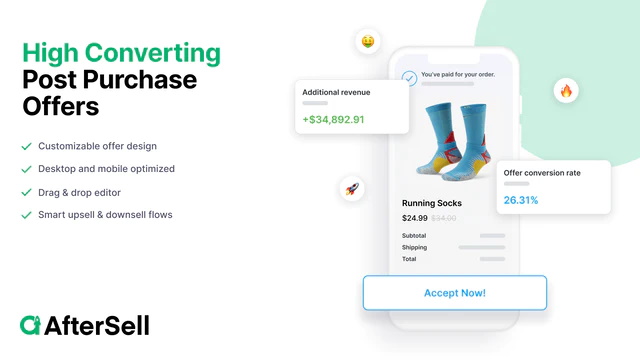
AfterSell focuses tightly on the post-purchase and thank-you-page moment, and does it cleanly. It shows one-click upsells right after checkout, so a buyer accepts an offer with a single tap and no second payment step. It also adds upsells inside Shopify’s checkout on Plus, plus a customizable thank-you page for order tracking, surveys, and recommendations. Setup is quick and the templates are tidy, which is why it holds a strong rating across a large base of stores.
It is a close alternative to ReConvert, leaning a little more toward simplicity than depth. For a store that wants reliable post-purchase upsells without a heavy build, AfterSell is an easy choice, and it works well alongside a broader personalization app.
Because the offers sit on Shopify’s own post-purchase and checkout screens, they load fast and stay on brand, and the analytics show which offer lifts order value so you can keep refining.
AfterSell Highlights:
- One-click post-purchase upsells
- Checkout upsells on Shopify Plus
- Customizable thank-you page
- Quick setup with clean templates
- Strong rating across many stores
Rebuy
Ideal for: Data-driven post-purchase recommendations
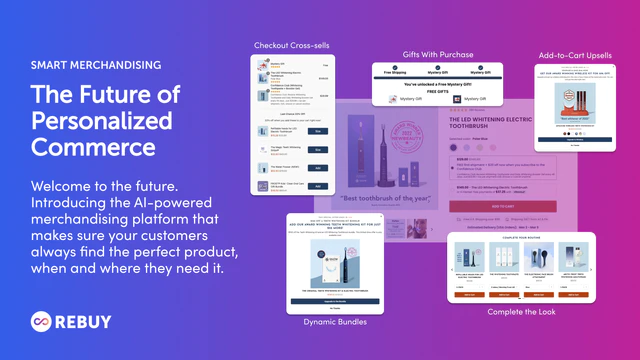
Rebuy brings personalization to the thank-you page rather than a fixed offer. Its engine uses store data to recommend the products a specific buyer is most likely to add, so the post-purchase upsell is tailored instead of generic. Beyond the thank-you page it powers smart carts, search, and on-site recommendations, which means the same tool works across the whole journey, not just after checkout.
That breadth is the appeal and the caveat: Rebuy is a fuller platform than a single-purpose thank-you-page app, so it suits stores that want personalization everywhere and have the traffic to feed the engine. For a data-led post-purchase offer, few tools match it.
On the thank-you page that means each buyer sees a recommendation tied to the order they just placed, and the same engine can carry those suggestions back into the cart and product pages once it has data to work from.
Rebuy Highlights:
- AI-driven post-purchase recommendations
- Personalized rather than fixed offers
- Also powers carts, search, and on-site recs
- Works across the full customer journey
- Suited to stores with real traffic
One Click Upsell - Zipify OCU
Ideal for: High-volume stores running tested upsell funnels
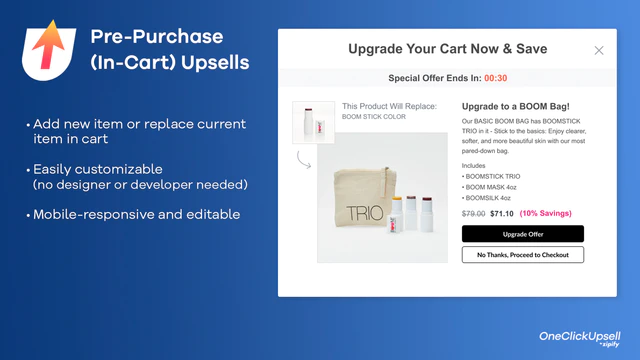
Zipify One Click Upsell is built for stores that treat upsells as a funnel to optimize. It runs post-purchase and checkout upsell offers, with split testing baked in so you can see which offer and price actually lifts order value. It comes from the team behind well-known DTC brands, and that funnel-first mindset shows in how it is set up.
The trade-off is that it is aimed at higher-volume stores; a small shop may not send enough orders to make the testing meaningful. For a store already pushing real volume through post-purchase offers and wanting to squeeze more from each, its testing tools earn their place.
The split testing is the real draw here: you can run two offers against each other and let order value pick the winner, so the funnel keeps improving instead of sitting on a guess.
See the full Zipify install profile for theme companions and catalog signature of the stores using it.
Zipify OCU Highlights:
- Post-purchase and checkout upsell offers
- Built-in split testing
- Funnel-first, optimization-focused
- From an experienced DTC team
- Suited to higher-volume stores
-
Can I use Shopify thank you page apps for customer segmentation?
Yes, you can leverage Shopify thank you page apps as part of your customer segmentation strategy. Customer segmentation involves categorizing your customer base into distinct groups.
-
Are Shopify thank you page apps effective in increasing repeat purchases?
Yes, Shopify thank you page apps can be effective in increasing repeat purchases by optimizing the post-purchase experience. It is crucial where you can encourage customers to return to your store.
-
Do Shopify thank you page apps offer integration with CRM (Customer Relationship Management) systems?
Yes, many Shopify thank you page apps offer integration with CRM systems. This integration allows you to transfer customer data and order information from your Shopify store to your CRM software.
-
What is a Shopify thank-you page app?
It is an app that replaces or upgrades the default order-confirmation page a customer sees right after they buy. Instead of a plain receipt, you can add one-click upsells, product recommendations, order tracking, and short surveys. The goal is to use a high-attention moment to lift order value and learn about the customer, without adding friction to the original purchase.
-
Do thank-you page upsells require the customer to pay again?
With a true one-click post-purchase upsell, no. Because the payment details are already captured at checkout, the customer accepts the extra product with a single tap and it is added to the same order. That lack of friction is why post-purchase offers convert well. Offers that send the shopper back to the store to re-checkout convert far worse, so look for genuine one-click support.
-
Do post-purchase upsells hurt the customer experience?
They do not have to, if the offer is relevant. A useful add-on or a genuine discount feels like a helpful suggestion at a natural moment. A random or pushy pitch does the opposite and can sour an otherwise good purchase. Keep offers tied to what the customer just bought, limit how many you show, and test them, and the experience stays positive.
Choosing a thank-you page app
Match the tool to how much you want to run. For a complete, editable post-purchase page with upsells and surveys, ReConvert or AfterSell fit. For personalized recommendations that follow the shopper everywhere, Rebuy makes sense. For a store that treats upsells as a funnel to test, Zipify’s split testing earns its place. Start with the offer you want to show at checkout, then pick the tool that shows it with the least friction.