7 Shopify Blog Themes and Templates for 2026
Last modified: November 22, 2026

| # | Image | Name | Price | Reception | Adoption | CWV pass rate |
|---|---|---|---|---|---|---|
| 1 |
|
Prestige
|
$400 | (875) | 4.3% | 79.6% |
| 2 |
|
Impact
|
$400 | (201) | 2.3% | 68.3% |
| 3 |

|
Broadcast
|
$420 | (287) | 1.6% | 75.3% |
| 4 |

|
Booster
|
$299 | - | 0.2% | 50% |
| 5 |
|
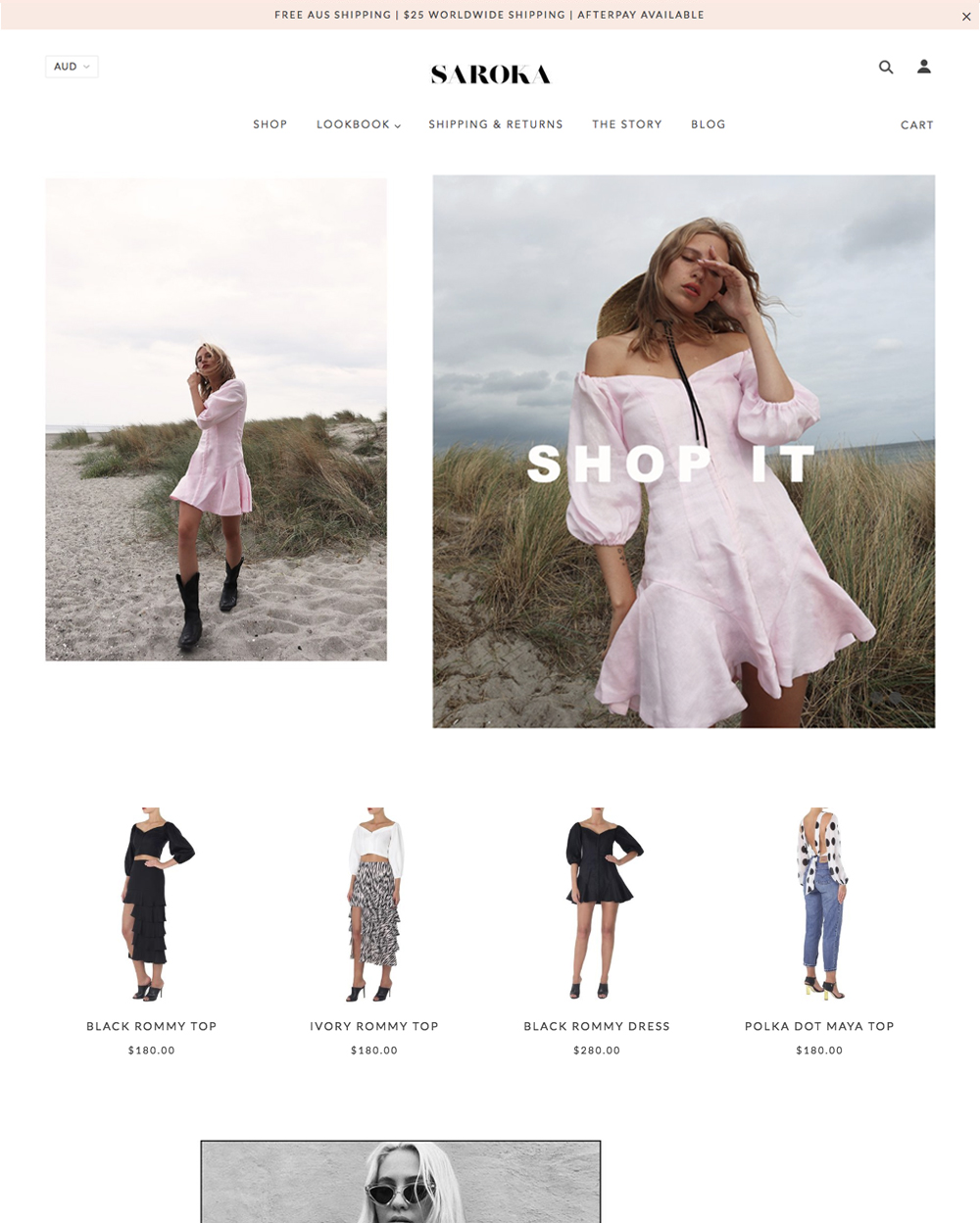
Blockshop
|
$420 | (421) | 0.2% | 70.7% |
| 6 |
|
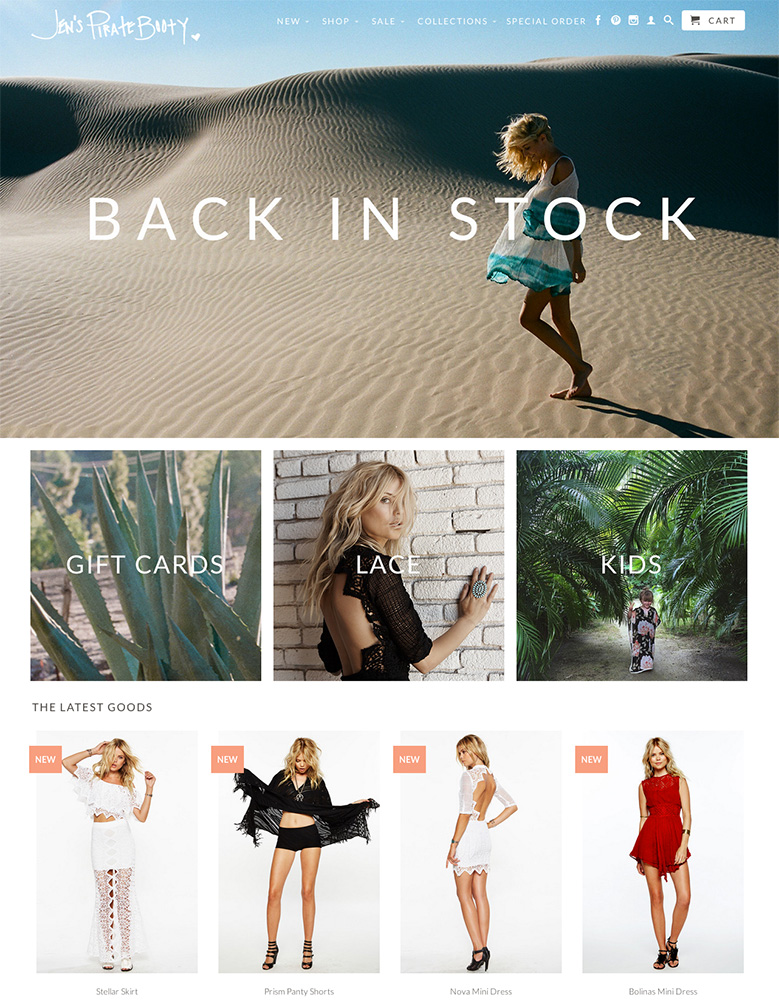
Retina
|
$220 | (295) | 0.1% | 66.7% |
| 7 |
|
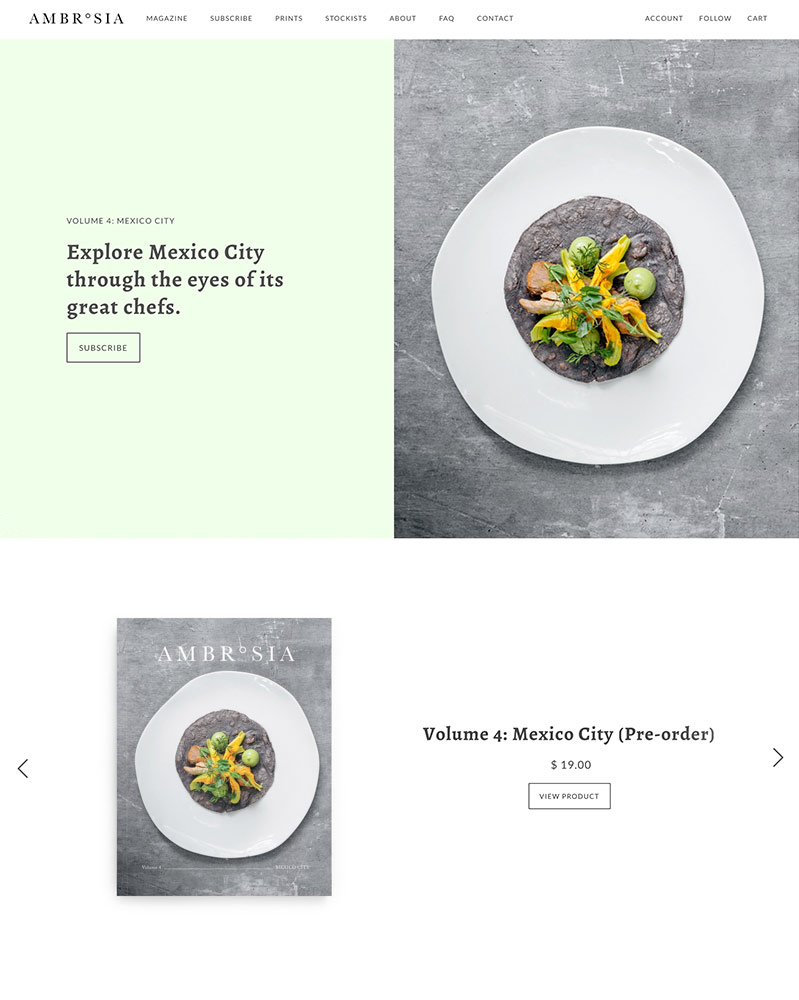
Maker
|
$400 | (96) | 0.1% | 63.3% |
|
Show More
|
||||||
Data first, opinion second: we track usage across 3.5+ million Shopify stores daily, and have since 2017. The stats tell us what merchants actually use; our editors rank the final picks by quality, pricing, and fit.
How These Themes Compare on Speed
| Theme | CWV pass rate | Few apps | Median LCP |
|---|---|---|---|
| Prestige | 79.6% | 86.8% | 1.5s |
| Broadcast | 75.3% | 86.8% | 1.5s |
| Blockshop | 70.7% | 79% | 1.5s |
| Impact | 68.3% | 76.3% | 1.6s |
| Retina | 66.7% | 85.7% | 1.8s |
| Maker | 63.3% | - | 1.6s |
| Booster | 50% | 44.9% | 2s |
Prestige
Ideal for: Editorial, content-led stores
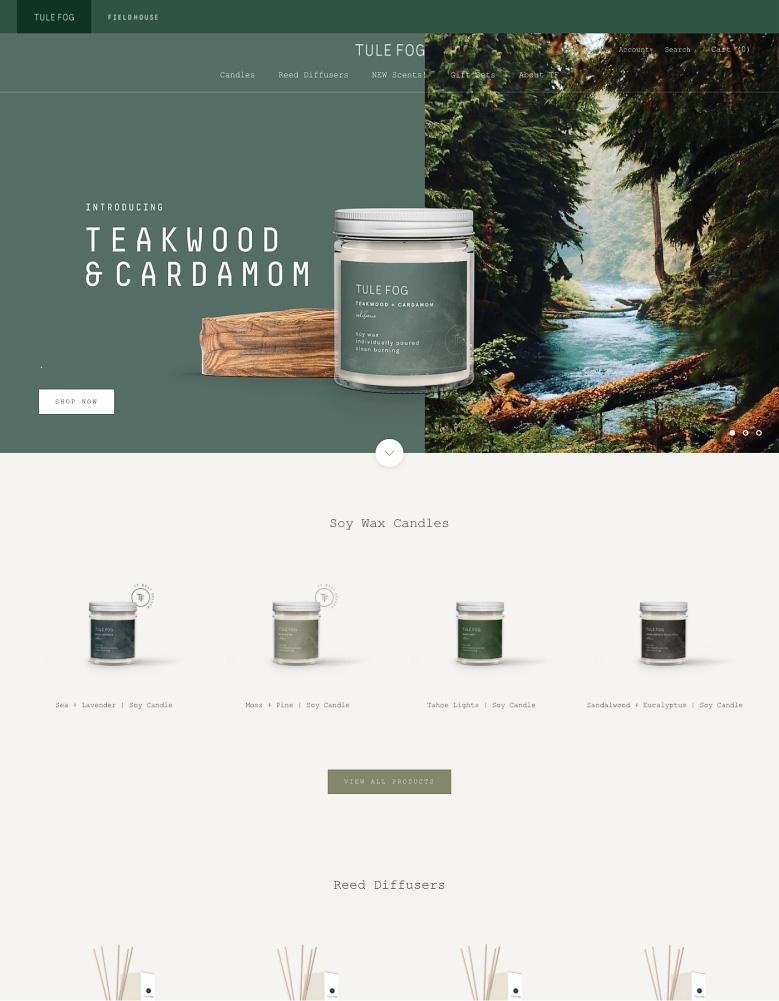
Prestige is one of the most widely used premium themes in our dataset, and it doubles as a strong blog theme thanks to its editorial roots. Article layouts are clean and typographic, so long-form posts read well, and the homepage sections let you feature stories alongside products. Large featured images and built-in image galleries give photo-led posts room to breathe, so a store that treats content as a channel gets a blog that looks designed rather than dropped into a template.
Prestige is the 3-most-used Shopify theme overall in our dataset, live on 4.3% of stores, and it holds a 91% positive rating from 875 reviews. On real Prestige stores, 79.6% pass Core Web Vitals, so image-heavy posts stay fast. If your blog is central to how you market, Prestige gives it a considered, magazine-like frame. See where it sits in our Prestige usage data.
Prestige Highlights:
- Clean, typographic article layouts for long-form posts
- Homepage sections to feature stories and products
- Fast, mobile-first build for image-heavy content
- Editorial design that reads like a magazine
Prestige Usage Statistics
Prestige usage at a glance, from our Shopify store dataset, refreshed daily.
Prestige Page Speed: Live Data
Impact
Ideal for: Bold editorial blogs
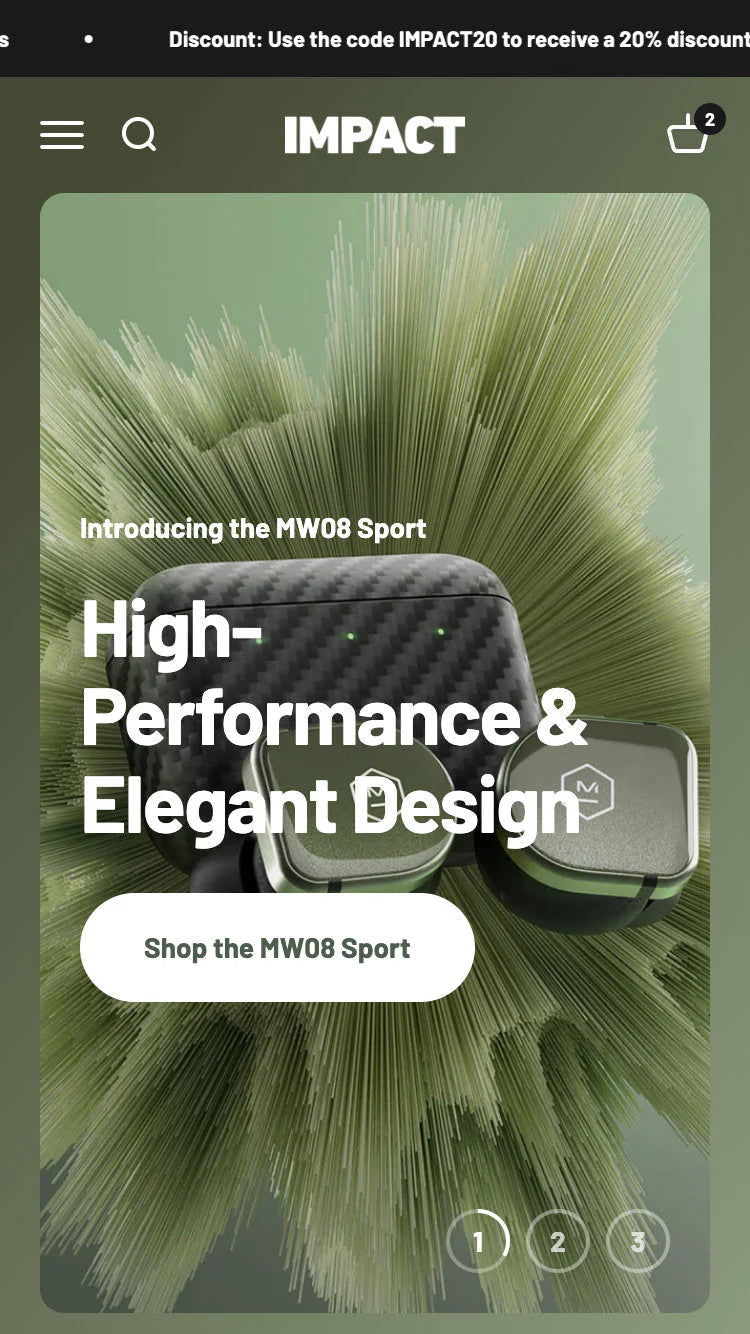
Impact is Maestrooo’s editorial theme, and it is one of the best on Shopify for a content-led store. It is built around bold typography and full-width imagery, so blog posts and brand stories carry real visual weight. Featured images and in-post galleries carry real weight here, so for a store where the blog is a genuine channel, Impact gives long-form content a magazine-grade frame.
It is the 6-most-used theme overall in our dataset, running on 2.3% of Shopify stores, with a 85% positive rating across 201 reviews, so the editorial polish is backed by real adoption. If you want your posts to look as considered as your products, Impact is a top pick. See where it sits in our Impact usage data.
Impact Highlights:
- Bold typography and full-width imagery for posts
- Editorial, magazine-grade content layouts
- Widely used and reliably supported
- Fast performance for image-heavy articles
Impact Usage Statistics
Impact usage at a glance, from our Shopify store dataset, refreshed daily.
Impact Page Speed: Live Data
Broadcast
Ideal for: Storytelling blogs
Broadcast is built for storytelling, which makes it one of the better blog themes on Shopify. It reads like a digital magazine, with editorial layouts, featured video, and blog commenting, so your content feels like a destination rather than an afterthought.
For a content-led store, that matters: posts get room to breathe and products sit naturally alongside them, and native comments let readers respond under a post. Broadcast is the 10-most-used theme overall in our dataset, on 1.6% of stores, rated 94% positive across 287 reviews, and 75.3% of real Broadcast stores pass Core Web Vitals. See how it performs in our Broadcast usage data.
Broadcast Highlights:
- Magazine-style editorial layouts
- Featured video and blog commenting
- Content and products sit naturally together
- Fast, mobile-first performance
Broadcast Usage Statistics
Broadcast usage at a glance, from our Shopify store dataset, refreshed daily.
Broadcast Page Speed: Live Data
Booster
Ideal for: Turning readers into subscribers

Booster earns its spot for a different reason than the editorial themes above: it is built to turn blog readers into subscribers and buyers. Native email popups, opt-in forms, and countdown timers let you capture visitors who arrive from a post, which is exactly where a lot of blog traffic otherwise leaks away.
The blog layouts are clean and straightforward rather than editorial, and the real draw is the built-in conversion toolkit. Booster is a smaller, conversion-focused theme rather than a mass-market one, running on 0.2% of stores in our dataset with a rating. It is the pick when capturing and converting blog readers matters more than magazine-style article design, so if you treat content as the top of your funnel and want to grow a list from it without extra apps, Booster fits.
Booster Highlights:
- Native email popups and opt-in forms to grow subscribers
- Turns blog traffic into list signups and sales
- Marketing tools built in, no extra apps
- Clean content pages with fast loading
Booster Usage Statistics
Booster usage at a glance, from our Shopify store dataset, refreshed daily.
Booster Page Speed: Live Data
Blockshop
Ideal for: Regular publishers
Blockshop pairs a clean store with strong blogging features, which is why it lands on this list. Four customizable styles let you shape the look, and its content layouts suit brands that publish regularly. Blogs are one of the cheapest ways to earn search traffic, and Blockshop gives them a proper home.
It carries a 96% positive rating across 421 reviews, among the highest on this list, and 70.7% of real Blockshop stores pass Core Web Vitals. Its customizable styles let you set a clean, readable article layout, which suits a store that publishes on a steady schedule rather than one chasing a magazine look. It is a capable, flexible theme for stores that want content and commerce to sit together.
Blockshop Highlights:
- Four customizable styles
- Strong blog features for regular publishers
- Content layouts built for search traffic
- Flexible design for content and commerce
Blockshop Usage Statistics
Blockshop usage at a glance, from our Shopify store dataset, refreshed daily.
Blockshop Page Speed: Live Data
Retina
Ideal for: Budget blog and store
Retina, from Out of the Sandbox, is a clean, budget-friendly theme with solid blog support. Its article and collection layouts are tidy, and it is an easy way to run a content-led store without a premium price tag. At this cost it is one of the better value picks for blogging.
It is not one of the most-installed themes, but it holds a 96% positive rating across 295 reviews and is the lowest-priced pick on this list. Its article and collection layouts are simple and readable rather than elaborate, which is exactly what a budget blog needs, and the low one-time price leaves more of your budget for content itself. For a straightforward blog-and-store combo on a budget, it holds up well.
Retina Highlights:
- Tidy article and collection layouts
- One of the lower prices on this list
- Solid blog support out of the box
- Good value for content-led stores
Retina Usage Statistics
Retina usage at a glance, from our Shopify store dataset, refreshed daily.
Retina Page Speed: Live Data
Maker
Ideal for: Story-first small catalogs
Maker was designed for storytelling through images and blogs, so it is a natural fit for content-first stores with smaller catalogs. Its layouts put photography and narrative front and center, which suits makers, artists, and brands whose story sells the product.
It shows up on fewer stores than the big premium themes (0.1% in our dataset), but it holds a 93% positive rating across 96 reviews from the brands that use it. Maker frames posts around photography, with image-forward layouts made for visual storytelling, though it ships with fewer preset styles than the big editorial themes, so you get less layout variety in exchange for that focus. If your blog is the heart of your store, Maker is built for it.
Maker Highlights:
- Built for storytelling through images and blogs
- Photography and narrative front and center
- Ideal for makers, artists, and small catalogs
- Clean, content-first layouts
Maker Usage Statistics
Maker usage at a glance, from our Shopify store dataset, refreshed daily.
Maker Page Speed: Live Data
-
How can Shopify blog themes impact SEO rankings?
Shopify blog themes play a vital role in SEO. Well-designed themes improve user experience, lower bounce rates, and ensure mobile-friendliness-all key for SEO. Speed-optimized themes load fast, and those with built-in SEO features help with content and metadata, boosting search rankings.
-
Can I customize Shopify blog themes to match my brand’s aesthetics and requirements?
Yes, Shopify blog themes are customizable, allowing you to tweak the design elements to match your brand’s aesthetics. Utilize built-in tools and options to change colors, layouts, and features to create a unique and engaging user experience.
-
How do I choose the right Shopify blog theme for my specific niche or industry?
Choosing the right Shopify blog theme involves evaluating your niche’s specific needs and the theme’s features and design. Consider aspects like customization options, SEO friendliness, and user experience to ensure they align with your brand and goals.
-
Which Shopify theme is best for blogging?
For content-led stores, Prestige, Impact, and Broadcast are the strongest picks, all widely used in our data with editorial article layouts. Maker is purpose-built for story-first brands, while Retina offers solid blogging at a lower price. Booster is the pick if you want to turn blog readers into subscribers.
-
Do all Shopify themes support a blog?
Yes. Every Shopify theme includes built-in blog functionality, since blogging is a native Shopify feature. The difference is presentation: some themes give posts clean, editorial layouts and prominent placement, while others treat the blog as a basic add-on. The themes on this list handle content well.
-
How much do Shopify blog themes cost?
The paid themes on this list range from $220 for Retina to $420 for Broadcast and Blockshop, each a one-time fee. Prestige, Impact, and Maker sit at $400. Every Shopify theme includes a blog, so you are paying for design and features, not the blog itself.
-
Does Shopify have a blog template?
Shopify does not sell a standalone blog template. Every Shopify theme already includes blog and article templates that control how your posts look, and you shape them in the theme customizer. To get editorial, magazine-style layouts, pick a content-focused theme like Prestige, Impact, or Broadcast, then adjust its article template to match your brand.
Choosing a Shopify Blog Theme
The right blog theme depends on how big a role content plays in your store. If publishing is central, Prestige, Impact, and Broadcast give you editorial, magazine-style layouts that make long-form posts read well and sit naturally next to products. All three are widely used in our data, which is a good sign of reliability.
For smaller or budget-conscious stores, Retina delivers solid blogging without a premium price, while Maker is purpose-built for story-first brands. Blockshop suits stores that publish regularly, and Booster turns blog readers into subscribers with built-in email capture. Whichever you pick, keep posts fast and well formatted, since that is what earns rankings over time.
Setting up your content? See our guides on how to add a blog to Shopify and browse the full range in our Shopify themes list.